Bulin 47 Freestyle Trend Posting Guide
Learn what the Bulin 47 freestyle trend is, how an AI recast joins it, and how to post a 9:16 clip on TikTok, Reels, and Shorts with sound, labels, and credit.
What is the Bulin 47 freestyle trend?
The Bulin 47 freestyle trend is a phone-filmed dembow performance that fans remake on TikTok, Instagram Reels, and YouTube Shorts. Bulin 47, a dembow artist from the Dominican Republic, performed it with Kevin Wai in a red-lit room packed with people. You join by recasting your own face into that handheld clip, exporting a 9:16 MP4, and adding the trending sound inside the app you post on. Use your photo, or a photo of an adult who agreed, and credit the original performers.
The original is a 19-second handheld phone shot in that red-lit, crowded room. Fans copied the choreography, timing, camera, and crowd. A recast keeps those and swaps the performer. The caption should say you were recast into the existing clip.
How do you join it with an AI recast?
Bulin 47 AI is a browser tool that places one photo into that freestyle. There is no app and no prompt. The page says the model follows the original frame by frame, keeping the steps, gestures, timing, handheld shot, red-lit room, and crowd, while your face and body replace the performer.
The clip and the song belong to their owners. Label your post as an AI recast and credit the original performers.
Seedance 2.0 Mini is the lower-cost model, described for clips of 5 to 15 seconds. Seedance 2.5 is the extended model. Exports can be 9:16, 1:1, or 16:9, at 480p or 720p. Length controls include 5, 8, 10, 12, and 15 seconds. Finished files are described as 5 to 19 second MP4s, and shorter ones play the beginning of the performance.
The button shows the credit cost before you generate. As of the October 10, 2026 update, one clip starts at $9.99 for 10 credits, about one Seedance 2.0 Mini clip at 720p for 12 seconds. Seedance 2.5 at that same 12 seconds and 720p costs 37 credits, so it does not fit in the single pack. A 15-second Mini clip is 7 credits at 480p or 13 at 720p. Pack credits never expire. Paid MP4s have no watermark. Failed renders, and photos a safety filter blocks, are refunded automatically.
The same maker sits on the Bulin 47 AI trend page.
- Upload one photo of yourself, or of an adult who agreed to this freestyle on the account you will use.
- Pick model, length, resolution, and format. For TikTok, Reels, and Shorts, pick 9:16.
- Read the credits on the button before you start.
- Press Make my clip. Most files finish within a few minutes. You can close the page. The MP4 stays in My Creations.
- Download the file and add the song later, inside the posting app.
Settings survive sign-in and buying credits. Phone upload from the camera roll works, and the MP4 downloads back to the phone. Examples on the site belong to their posters, including @srjimenez_fan, @freddoapxj1, @tokischa.luna, and @yaiseloficial.
What belongs on a TikTok, Reels, and Shorts checklist?
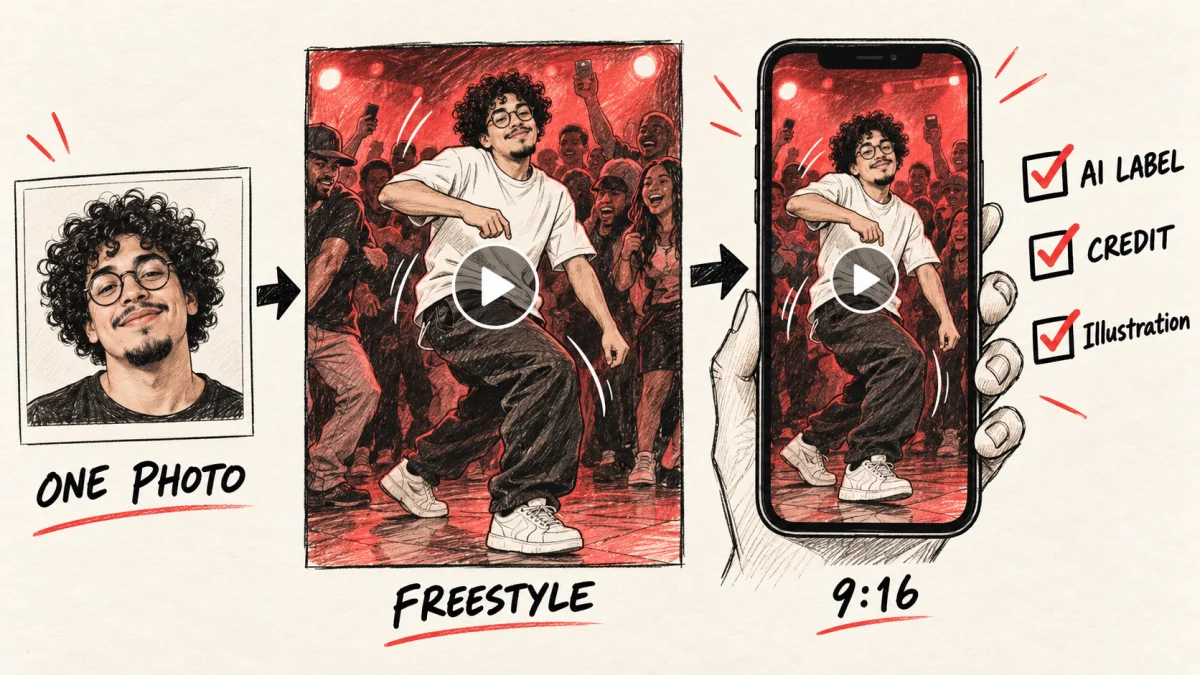
Illustration: one photo becomes a face in the freestyle, then a vertical short; check the format, AI label, and performer credits before posting.
The MP4 is only the recast. Publishing still needs a vertical file, in-app audio, an AI disclosure, and a caption that names the original artists.
- Export 9:16. Keep 1:1 and 16:9 for other placements.
- Stay within 5 to 19 seconds. Shorter files start at the beginning of the performance.
- Add the trending Bulin 47 sound in TikTok, Reels, or Shorts so that platform licenses it. Do not bake a separate copy into the MP4.
- Turn on the upload screen's control for AI-generated or altered content. The wording changes by app.
- Name Bulin 47 and Kevin Wai, say the face is an AI recast, and say you did not film the original room.
- Use a few hashtags that describe the clip: the artist, freestyle, and a plain AI label.
- Credit a friend only as they agreed. One account's yes does not cover your other accounts.
- Watch it on a phone. Spins and hands slip first. If the face breaks, remake it from an allowed photo or skip the post.
Caption template, not a quote from a creator:
"AI recast of my face in the Bulin 47 freestyle with Kevin Wai. I did not film the original. Sound added from this app's library."
#Bulin47 #Bulin47Freestyle #AIrecast
Change the first sentence if the photo is a friend's. If they want to stay unnamed, do not publish it. Make the file on the Bulin 47 freestyle trend page. That page will not add the sound or the disclosure for you.
Where do you add the sound and the AI label?
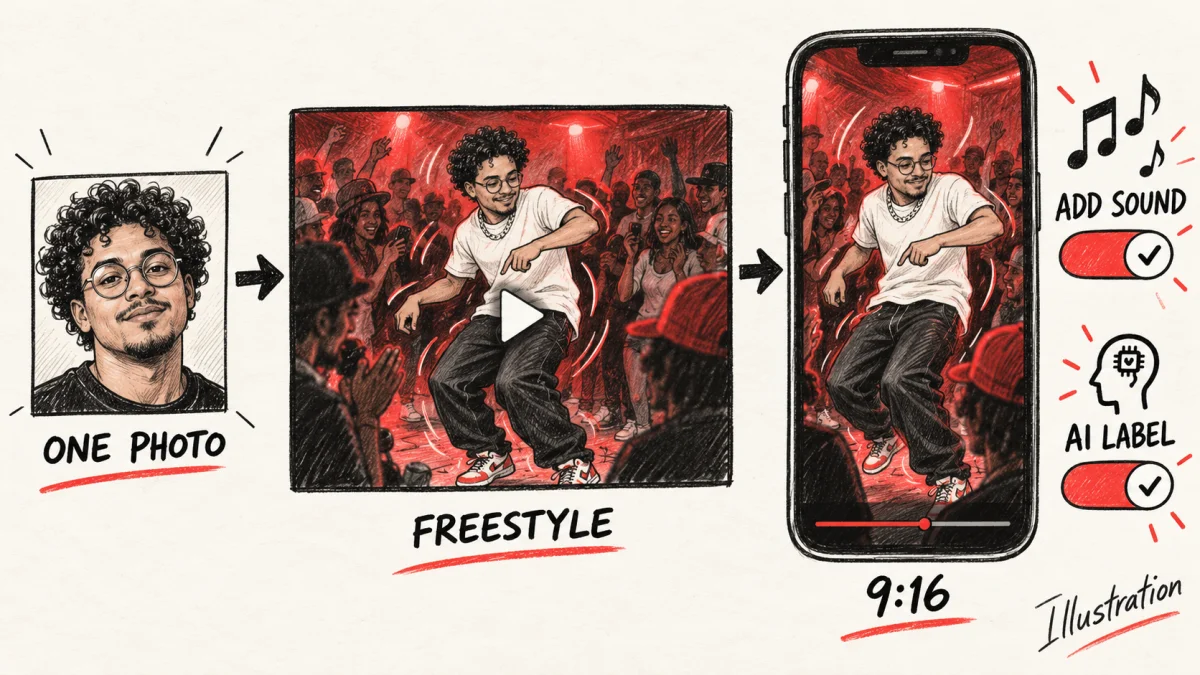
Illustration: follow the photo-to-freestyle-to-vertical-short sequence, then add in-app sound and an AI label to the clip.
Attach the audio after the MP4 exists. The song belongs to its owners, and each app licenses tracks for posts made in that app.
- Select the 9:16 file in a new TikTok, Reel, or Short.
- Choose the trending Bulin 47 sound from that app's library if your account can see it. If it is missing, do not paste in a ripped track.
- Use the control for AI-generated, synthetic, or altered content, and state that the face was recast into an existing performance.
- Check that the caption names Bulin 47 and Kevin Wai, then publish.
TikTok, Instagram Reels, and YouTube Shorts each offer a sound library and a disclosure for AI-generated or altered content. Names and placement change, so use the control on your screen, and set the sound and the label again on every upload. A missing watermark does not replace the label or the caption.
Who can appear in the clip, and who gets credit?
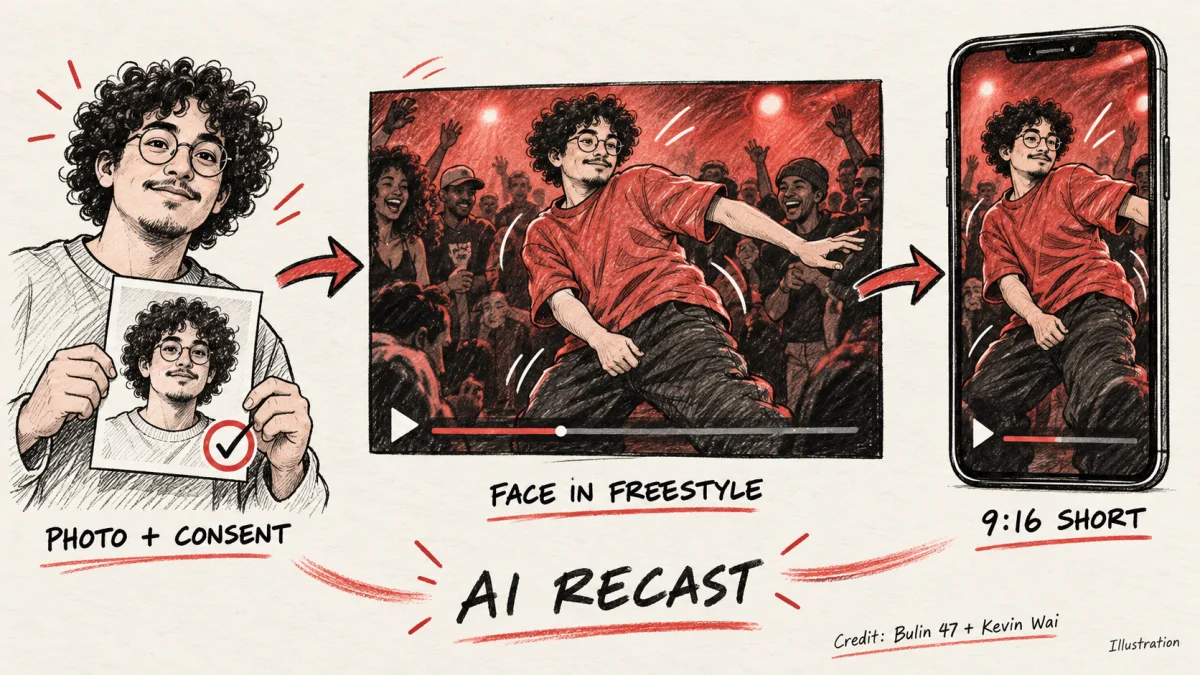
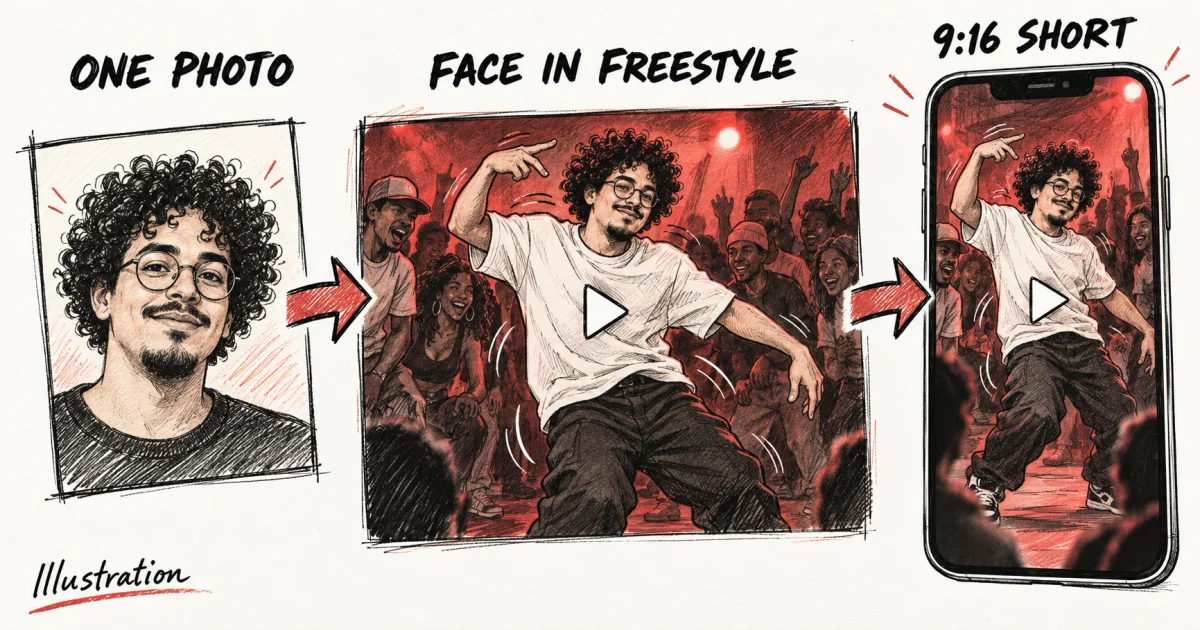
Illustration: start with your photo or an adult-approved photo, recast that face into the freestyle, and credit the performers on the vertical short.
You may upload your own photo, or a photo of an adult who said yes. Minors are not allowed. Public figures are not allowed. Uploads meant to impersonate someone, or to deceive viewers about who performed, are not allowed under the Terms of Service. A safety filter can block a photo and refund the credits. That refund is not permission to try the same picture again.
Name the freestyle, Kevin Wai, and the account when you ask. Silence, a guess, or a private yes does not cover a public post. Remove it if they change their mind. The AI label tells viewers the clip was generated. It is not permission to use their face.
Credit belongs in the caption.
- Name Bulin 47 and Kevin Wai. The performance, the room, and the song stay with their owners.
- Say the face was recast with AI, and turn on the posting app's AI disclosure.
- If you echo a community version, credit that creator. The site names posters such as @srjimenez_fan and @yaiseloficial.
- Name a friend only in the form they agreed to.
If the cover frame shows a clear face, the first caption line should still say the face was recast.
What are the honest limits?
The tool recasts a person into this freestyle. The pages describe it as copying the original motion, not inventing a new dance from a typed prompt. ChatGPT can explain the trend or draft a caption. It cannot place a face in the video.
Quick spins and hand gestures are the weak frames, and small artefacts can show up there. No renders were run for this article, so it does not claim how often that happens. If the face drifts, use another allowed photo or skip the post.
Shorter files are the start of the 19-second performance, not a later highlight. Buttons include 5, 8, 10, 12, and 15 seconds, and outputs are also described as 5 to 19 second MP4s. Check that duration on the button. Most clips finish within a few minutes and stay in My Creations if you leave. Failed and blocked renders return the credits.
The trending sound has to be in that app's library. If it is not, do not write as if the licensed track were attached. The source pages publish no view counts, match rates, or hashtag results, and this guide did not measure any.
FAQ
What is the Bulin 47 freestyle?
Bulin 47, a dembow artist from the Dominican Republic, filmed it on a phone with Kevin Wai in a red-lit room packed with people. The 19-second handheld clip spread on TikTok, Reels, and Shorts, and fans posted their own versions.
How should I export the clip for TikTok, Reels, and Shorts?
Choose 9:16. The tool also exports 1:1 and 16:9, at 480p or 720p, as a 5 to 19 second MP4. Shorter settings play from the start of the original performance.
Does the download include the song?
Add the trending Bulin 47 sound inside TikTok, Reels, or Shorts so that platform licenses the music. Do not mix a separate copy into the MP4. If the sound is missing from your library, wait, or do not claim that track.
Do I have to label the video as AI?
Yes. Use the AI-generated or altered-content control TikTok, Instagram, or YouTube shows while you upload. Menu names change. Say in the caption that the face was recast. A file with no watermark still needs the label.
Can I post a friend or a public figure?
Only if that friend is an adult and agreed to the recast and the post. Photos of minors and public figures are not allowed. Uploads meant to impersonate someone or to deceive viewers are not allowed under the Terms of Service.
How this article was written
This article was drafted with AI assistance from the public bulin47ai.video pages and reviewed by the editorial team. No renders were run for this piece. Illustrations are line sketches, not product output.
Author