

Portrait and fine hair
Separate a person from a busy setting while reviewing wispy hair, shoulders, and gaps between the subject and clothing.
Upload one photo, separate the subject from its surroundings, inspect the cutout, and download a transparent PNG without learning manual masking tools.
Source image
JPG up to 1 MP · PNG/WebP up to 4 MP · 5 MB max · 256–4096 px
JPG up to 1 MP · PNG/WebP up to 4 MP · 5 MB max · 256–4096 px
Transparent result
Transparent result
Your transparent result and comparison control will appear here.
Real workflow examples
Review the source beside the removed-background result before deciding whether an image is ready for a listing, profile, presentation, or design.
Separate a person from a busy setting while reviewing wispy hair, shoulders, and gaps between the subject and clothing.

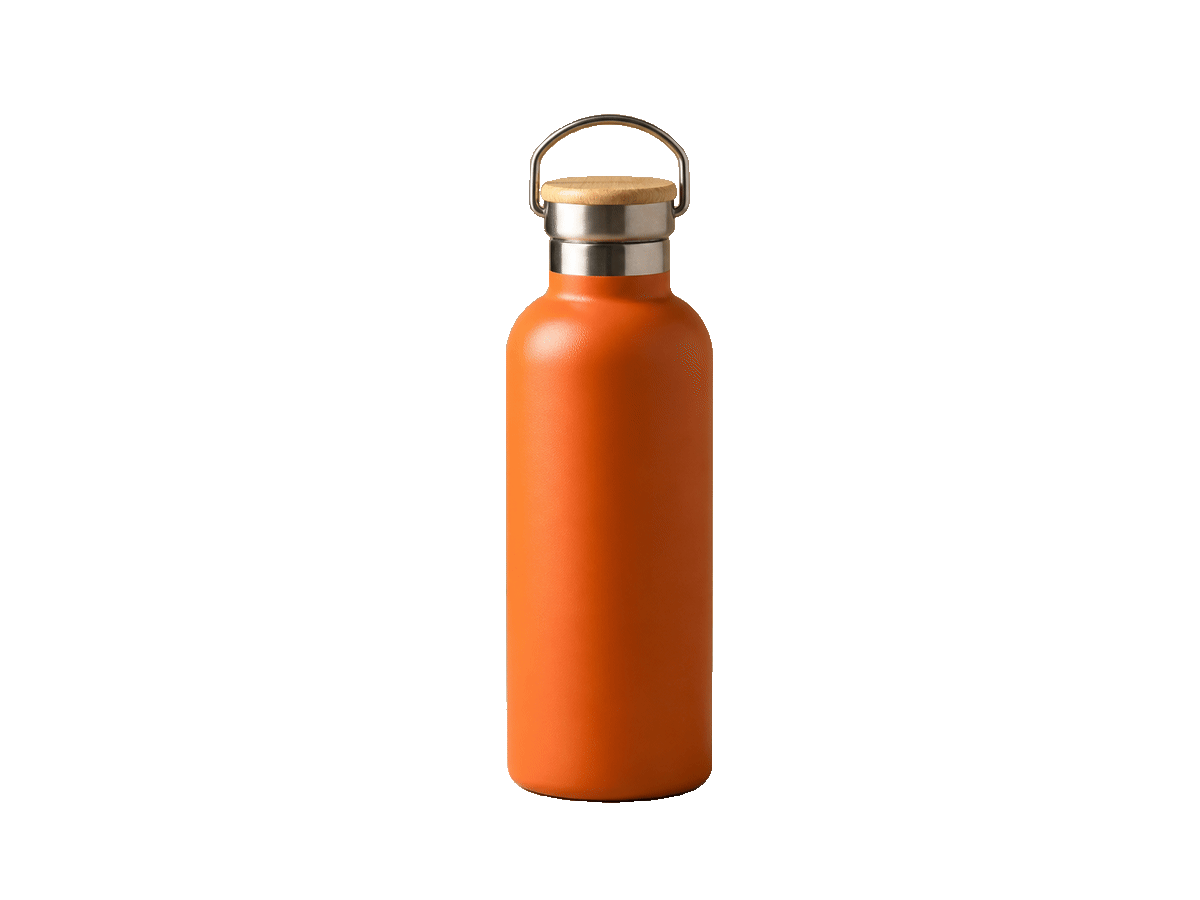
Create a reusable product cutout that can move into storefront cards, campaign layouts, and marketplace image templates.

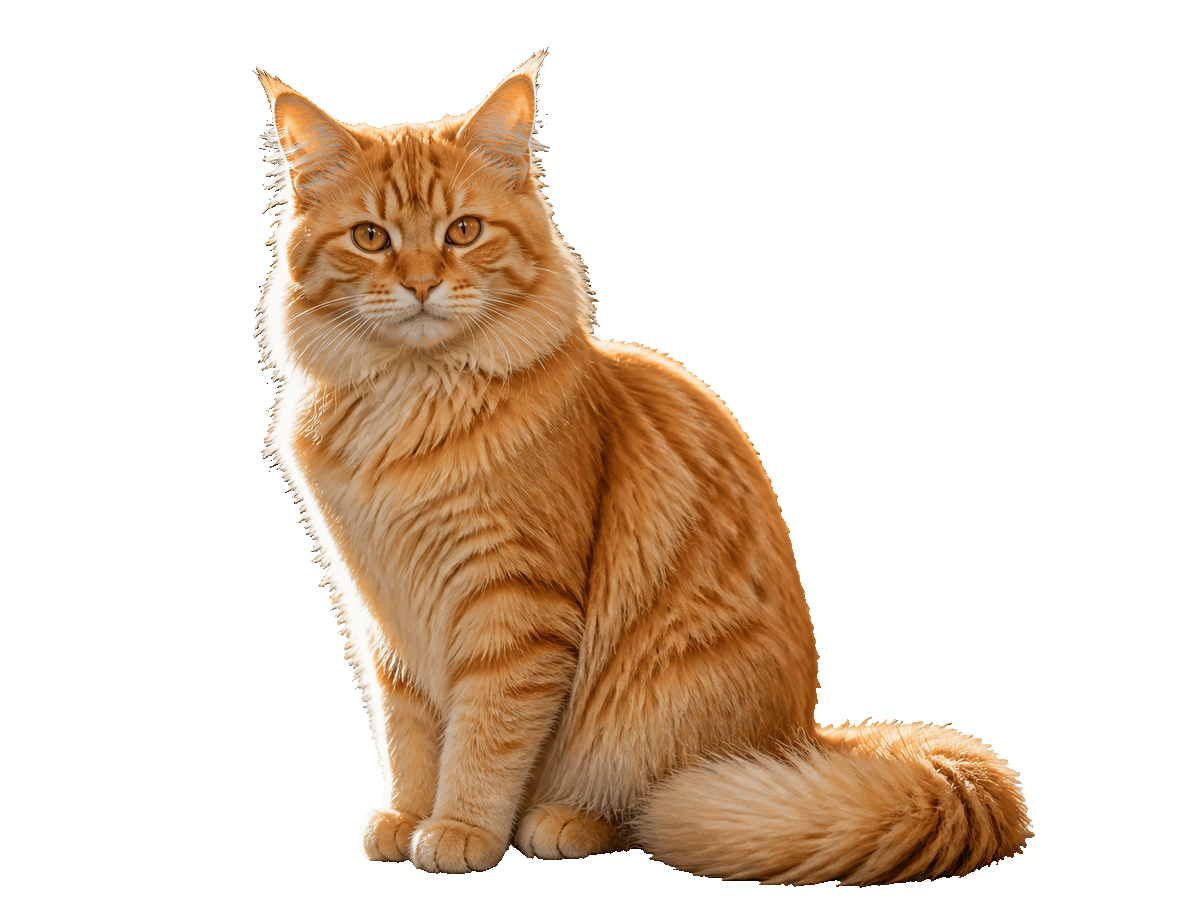
Inspect fur, ears, whiskers, and negative space closely before placing a pet cutout over a new visual treatment.


Turn a graphic on a flat backdrop into a transparent asset that can be layered into slides, mockups, and social designs.
Direct answer
A background remover is an image tool that identifies the main foreground subject, separates it from surrounding pixels, and returns a cutout with transparency. The transparent result can be placed over a color, photograph, page layout, product card, or presentation without carrying the original scene behind it.
Automatic background removal is most useful when the subject is visually distinct from its surroundings. Clear focus, adequate resolution, and visible boundaries give the system more information to work with. Hair, fur, glass, motion blur, shadows, and similarly colored foreground and background areas deserve a close review after processing.
This page uses a dedicated removal model rather than asking a generative image editor to redraw the scene. The goal is a focused cutout workflow: upload one source, process it, compare the result, and download a transparent PNG. It does not include a manual brush, batch queue, or background generator in this release.
The interface keeps the job to four observable steps so you can review what happened instead of trusting an invisible edit.
Choose a JPG up to 1 megapixel, or a PNG/WebP up to 4 megapixels, within 5 MB. Both dimensions must be between 256 and 4096 pixels.
The browser checks basic limits first. After sign-in, the server verifies the file again, runs the existing safety check, and stores the owned source for the task.
The dedicated model analyzes the source and produces one removed-background result. The page reports task progress through the site's existing authenticated job flow.
Move the comparison control across the source and result, inspect fine edges at the displayed size, and download the persisted transparent PNG when it suits your use.
Background removal is a preparation step, not a finished design by itself. Its value comes from making one subject reusable across many publishing surfaces.
Isolate a product once, then place the cutout into consistent marketplace, catalog, or storefront templates without reshooting every background.
Prepare a headshot for team pages, speaker cards, thumbnails, and profile graphics while keeping the person separate from the original room or street.
Layer a subject into ads, email headers, landing-page art, presentation covers, and social posts where flexible negative space matters.
Turn a pet, character, sticker, or photographed object into a reusable element for invitations, merchandise concepts, and personal designs.
Commercial comparison
Choose by workflow and published limits. The comparison below describes what each visible product page currently offers; it does not claim one tool wins every image.
| Decision | Modelfy | remove.bg | Raphael |
|---|---|---|---|
| Primary workflow | One authenticated source-to-transparent-PNG task in a focused page | Upload-first background removal with broader apps, integrations, and editing products | Upload-first removal inside a wider AI image and video platform |
| Published page inputs | JPG up to 1 MP; PNG/WebP up to 4 MP; 5 MB; 256–4096 px | Check the current upload interface and help documentation for file limits | The current page lists JPG, PNG, and WebP beside its uploader |
| Transparent output | One persisted transparent PNG result | Transparent-background result plus optional background workflows | Transparent result with adjacent customization messaging |
| Access model | Preview before sign-in; generation uses 10 site credits | Free preview and paid product options are described on its current site | The current page presents free and paid plan messaging; verify terms before use |
| Practical fit | A direct cutout inside the existing Modelfy creation and credit workflow | Teams that value its mature background-removal ecosystem and integrations | Users who want removal near a broader catalog of AI creation models |
Competitor products, limits, and plans can change. Confirm current vendor terms before making a purchase or production decision.
Last reviewed: August 30, 2026
Good decisions come from knowing both the accepted contract and where automatic cutouts still need human review.
Use one JPG/JPEG up to 1 megapixel, or a PNG/WebP up to 4 megapixels, no larger than 5 MB. Width and height must each be 256–4096 pixels.
Each successful request produces one transparent PNG and uses 10 site credits. Sign-in and sufficient balance are checked before the owned upload and task are created.
Zoom or compare carefully around hair, fur, translucent material, reflections, soft shadows, motion blur, and places where the subject shares colors with the background.
There is no batch queue, erase/restore brush, background generator, mask editor, or promise that every source will need no cleanup.
Start with the clearest original you have. Automatic removal cannot recover detail that is absent from a tiny, heavily compressed, or blurred source.
Choose the full-resolution source within the published limits rather than a screenshot of the image when possible.
Sign in when prompted, confirm the visible 10-credit cost, and keep the page open while the task reports its status.
Use the comparison control to inspect the silhouette, interior gaps, hair, fur, edges, and any area that was close in color to the original background.
Save the transparent PNG and test it on the actual light, dark, colored, or photographic background where it will be published.
Short answers about files, transparency, difficult edges, credits, storage, and the boundary of this release.
It separates a foreground subject from the surrounding scene and returns a cutout that can be placed over another design. This tool produces one transparent PNG from one supported source image.
Upload JPG/JPEG up to 1 megapixel, or PNG/WebP up to 4 megapixels. The file must be no larger than 5 MB, and each dimension must be 256–4096 pixels.
The selected Recraft background-removal model is intended to return a transparent PNG. The result stage uses a checkerboard so you can distinguish transparency from a white background before downloading.
It can preserve fine boundaries, but the result depends on source focus, contrast, resolution, blur, and overlap. Review hair and fur closely with the comparison control before publishing.
You can select and preview a local image before signing in. Uploading the source, creating the task, storing the result, and using site credits require an authenticated account.
One background-removal task costs 10 site credits and produces one result. The cost is shown on the action before the task begins.
Not in this release. The page provides automatic removal, comparison, retry, and PNG download, but it does not expose manual erase, restore, mask, or layer controls.
Use the workflow that fits the rest of your work. Modelfy keeps a focused cutout inside its existing credit and creation system; remove.bg emphasizes a mature removal ecosystem; Raphael places removal alongside a broader AI platform. Verify each current product page before deciding.
Input limits and provider behavior come from the implemented contract and KIE's current model page. Competitor descriptions are scoped to the visible vendor pages reviewed on the date below.
Last reviewed: August 30, 2026
Remove a background here, compare generation and editing models, or review credits before starting another image task.
Choose a supported image, inspect the cutout against the original, and download the transparent PNG when the boundary works for your design.