AI Models
Compare image and video models by provider, strengths, and workflow, then open the right generator from one page.
OpenAI
GPT Image 2
OpenAI image model for prompt-faithful visuals, legible in-image text, reference edits, and consistent characters.
Meta AI
Muse Image
A creative image workspace for prompt-to-image concepts, natural-language edits, reference composition, and readable layouts.
Alibaba Qwen
Qwen Image 2.0
Alibaba Qwen image model for bilingual text rendering, sharp detail, and precise reference-guided edits.
Google Gemini
Nano Banana 2
High-fidelity image model for 4K-ready creative work, character consistency, and controlled image edits.
xAI
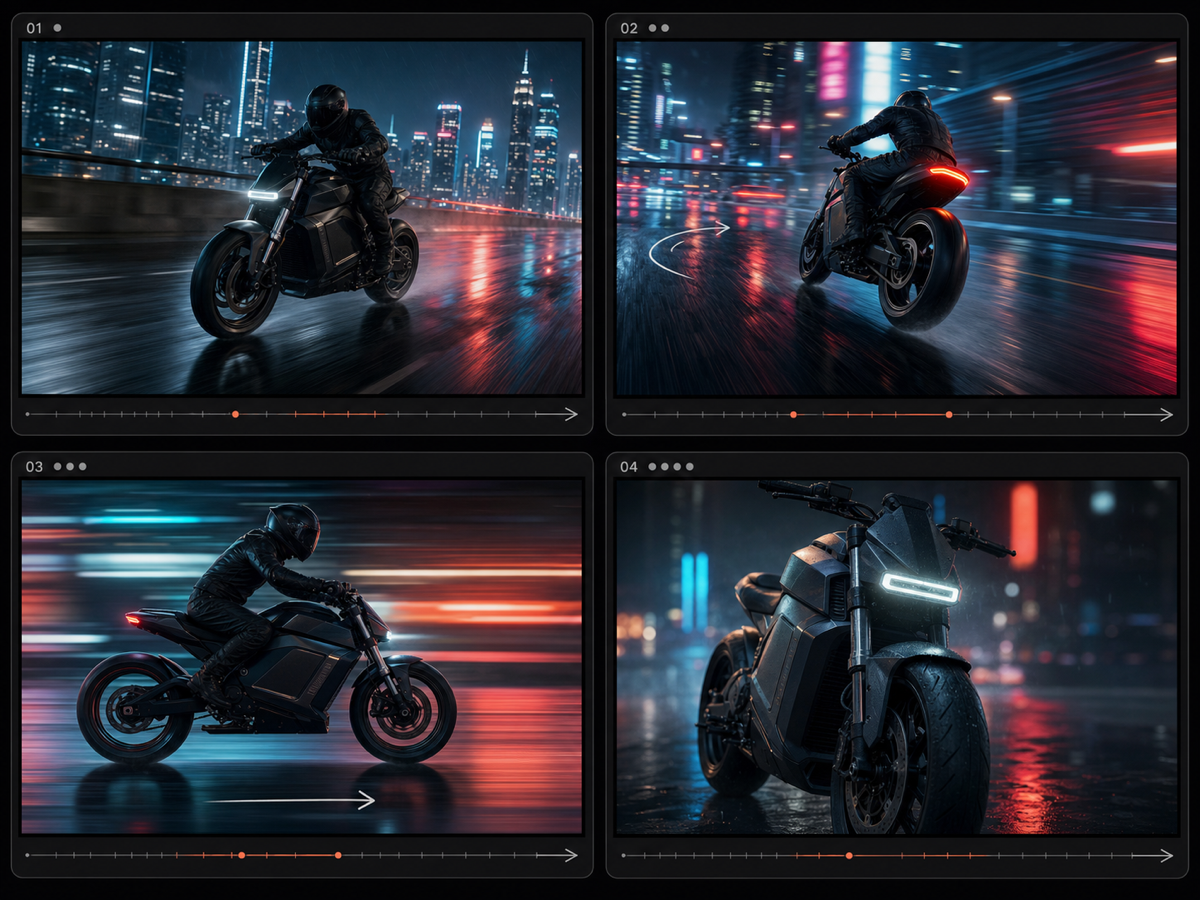
Grok Imagine Video 1.5
xAI video model for turning a text prompt or one reference image into short, fluid video clips.
ByteDance
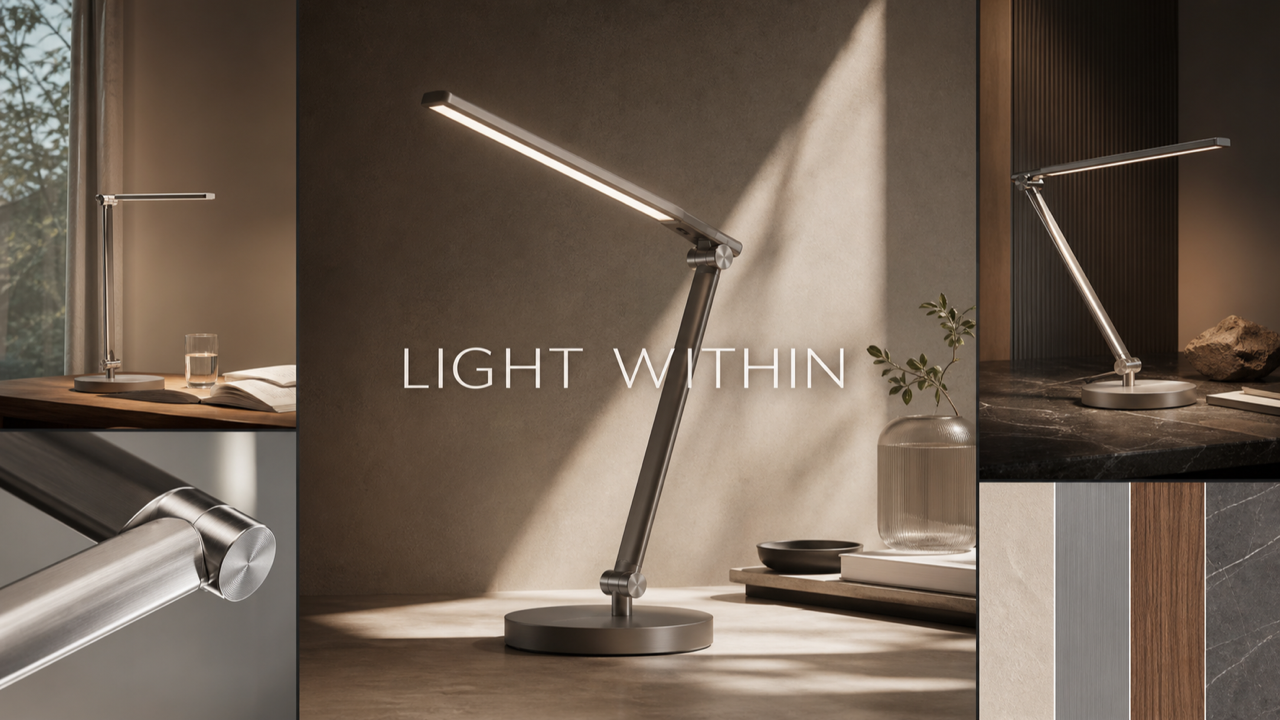
Seedream 5
ByteDance image model for prompt-driven generation, accurate in-image text, and blending up to 14 reference images.
Topaz Labs
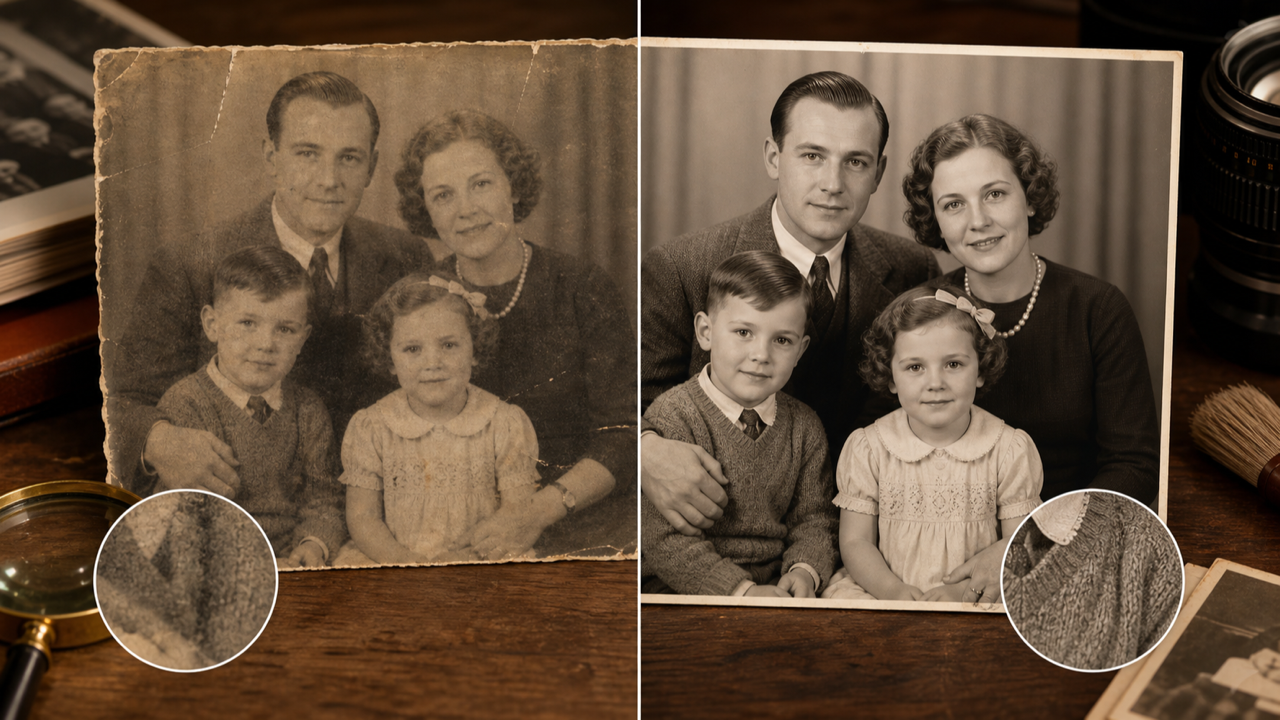
Topaz Image
No-prompt AI upscaler that enlarges photos up to 8x while restoring faces, detail, and clarity.
Google Gemini
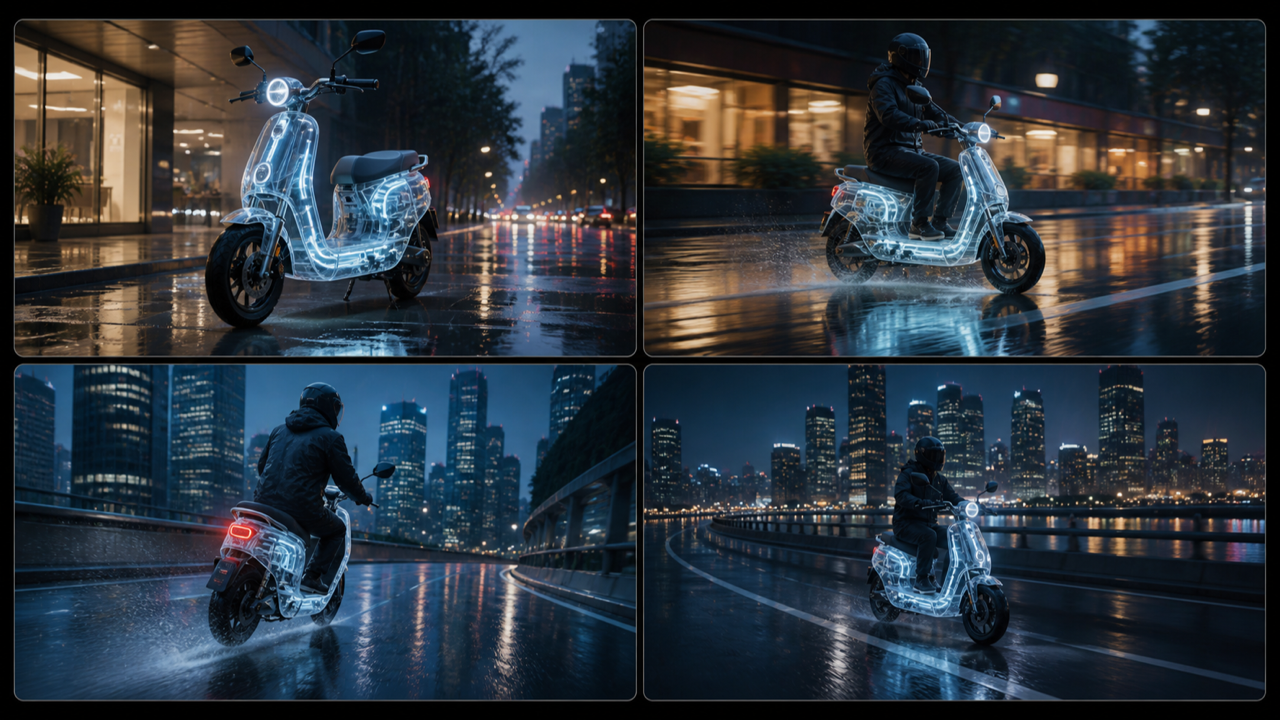
Gemini Omni
Google any-input-to-video model for turning prompts or up to seven reference images into coherent short clips.
MiniMax
MiniMax H3
MiniMax H3 (Hailuo 03) video model for 4-15 second clips from text or first and last frames, with native stereo audio and up to 2K output.
Directory
All AI models
Prompt-to-image, reference editing, product visuals, posters, and creator assets.
GPT Image 2
OpenAI image model for prompt-faithful visuals, legible in-image text, reference edits, and consistent characters.
Muse Image
A creative image workspace for prompt-to-image concepts, natural-language edits, reference composition, and readable layouts.
Qwen Image 2.0
Alibaba Qwen image model for bilingual text rendering, sharp detail, and precise reference-guided edits.
Nano Banana 2
High-fidelity image model for 4K-ready creative work, character consistency, and controlled image edits.
Seedream 5
ByteDance image model for prompt-driven generation, accurate in-image text, and blending up to 14 reference images.
Topaz Image
No-prompt AI upscaler that enlarges photos up to 8x while restoring faces, detail, and clarity.
Choose the right model faster
Start from the model that matches the job, then use its dedicated page for controls, examples, and settings.
Need text in an image?
Open GPT Image 2 or Qwen Image 2.0 when the result depends on readable labels, posters, or layouts.
Need a consistent subject?
Use Nano Banana 2 for character, product, and reference-led creative work where identity matters.
Need motion?
Open Grok Imagine Video 1.5 or Gemini Omni when the brief calls for a prompt or reference images to become a video clip.
AI Models FAQ
Quick answers about choosing a model page on Nano Banana Pro.
Start with the model that fits
Open the matching model page, generate from the first screen, and move between image and video workflows when the brief changes.
Open GPT Image 2