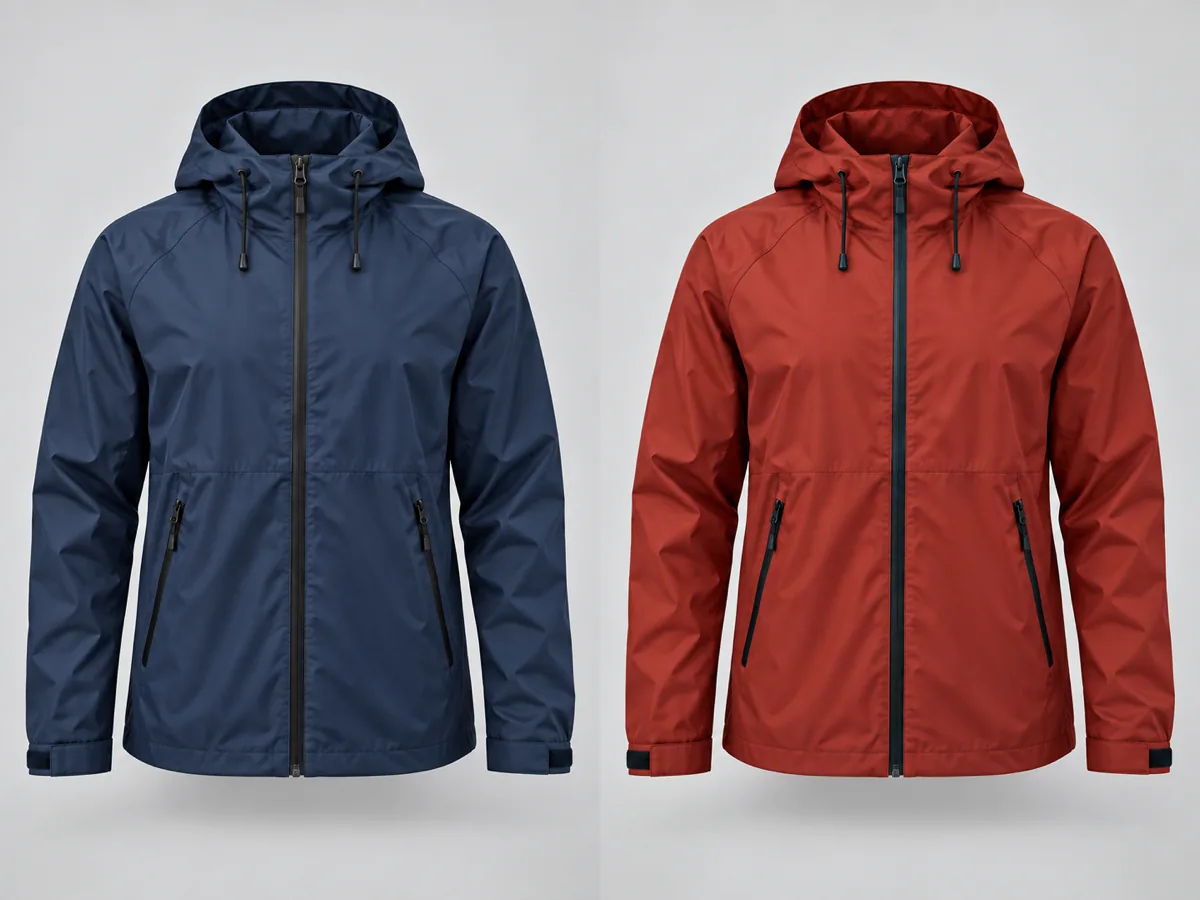
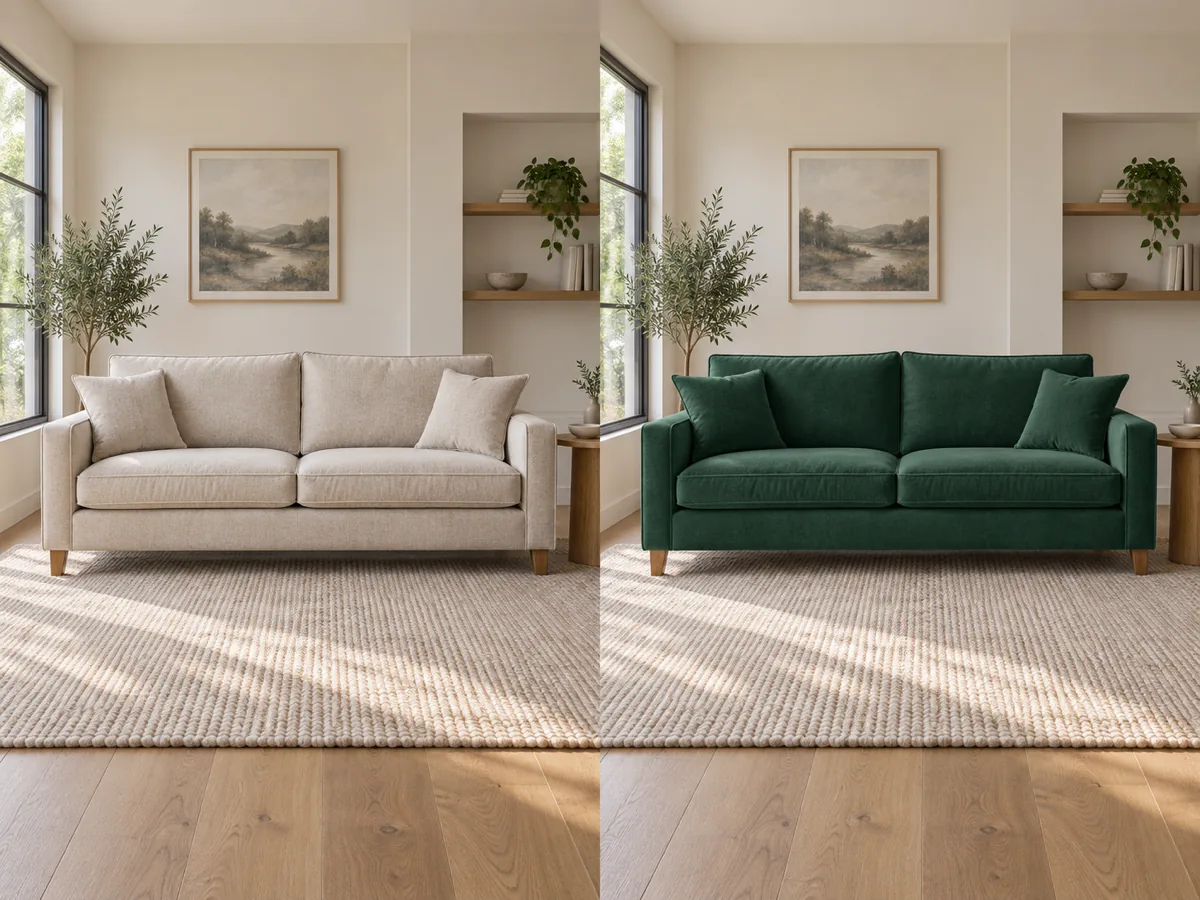
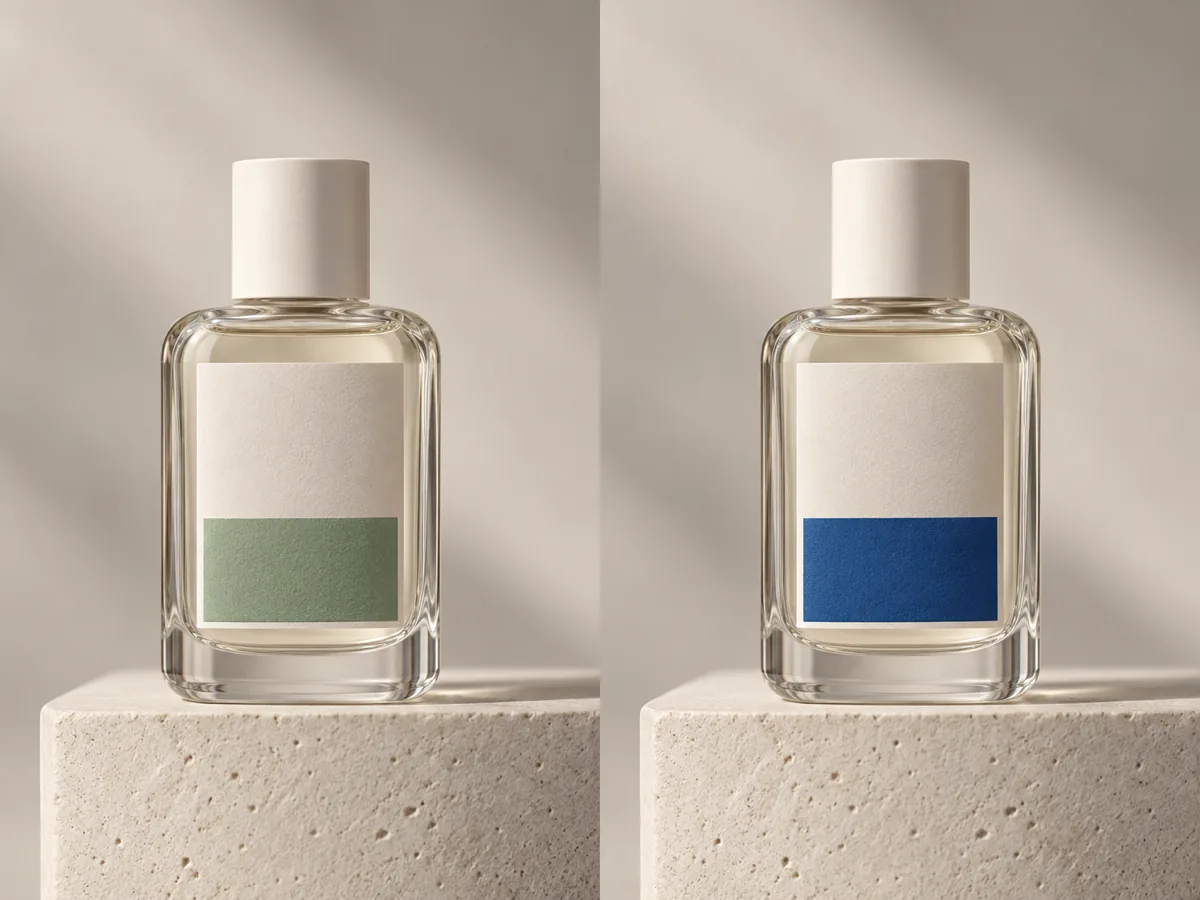
To recolor an image is to change the color of a defined part of a photo while leaving everything else in place. A recolor image tool answers three questions separately: which pixels are allowed to change, what new color they become, and how the object keeps its original shading so the edit still looks photographed.
Most disappointing recolors fail on the third question, not the first. A flat fill drops the highlights, contact shadows, and reflections that made the surface believable, so a jacket turns into a sticker and a glass bottle turns into plastic. Keeping each pixel’s own lightness while swapping its hue is what preserves the material.
This page splits the job by cost and precision. Sampling a shade, choosing a tolerance, and previewing the replacement happen locally in your browser and cost nothing, which is enough for flat and mostly-solid surfaces. One optional GPT Image 2.5 pass then handles the harder cases: print, knitwear, brushed metal, glass, and any object whose color varies across the frame.