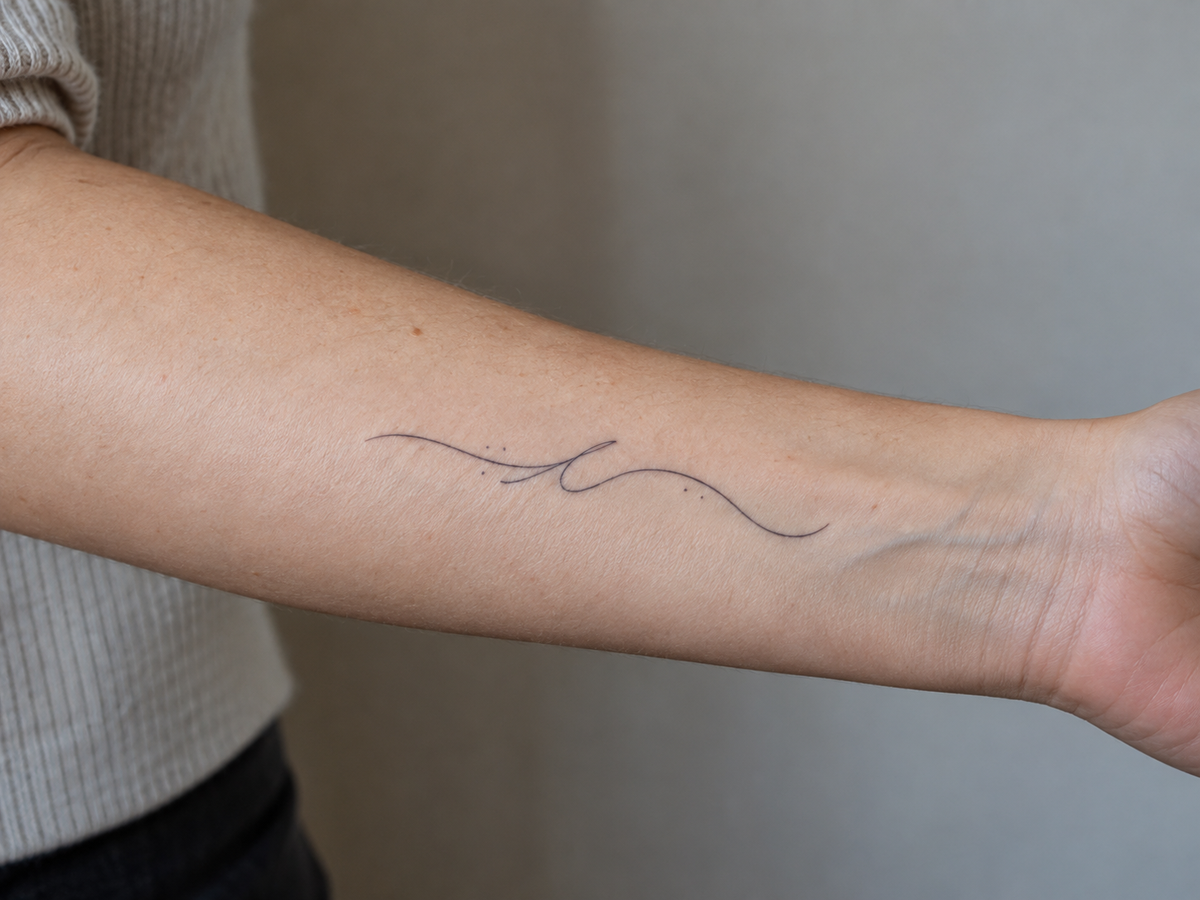
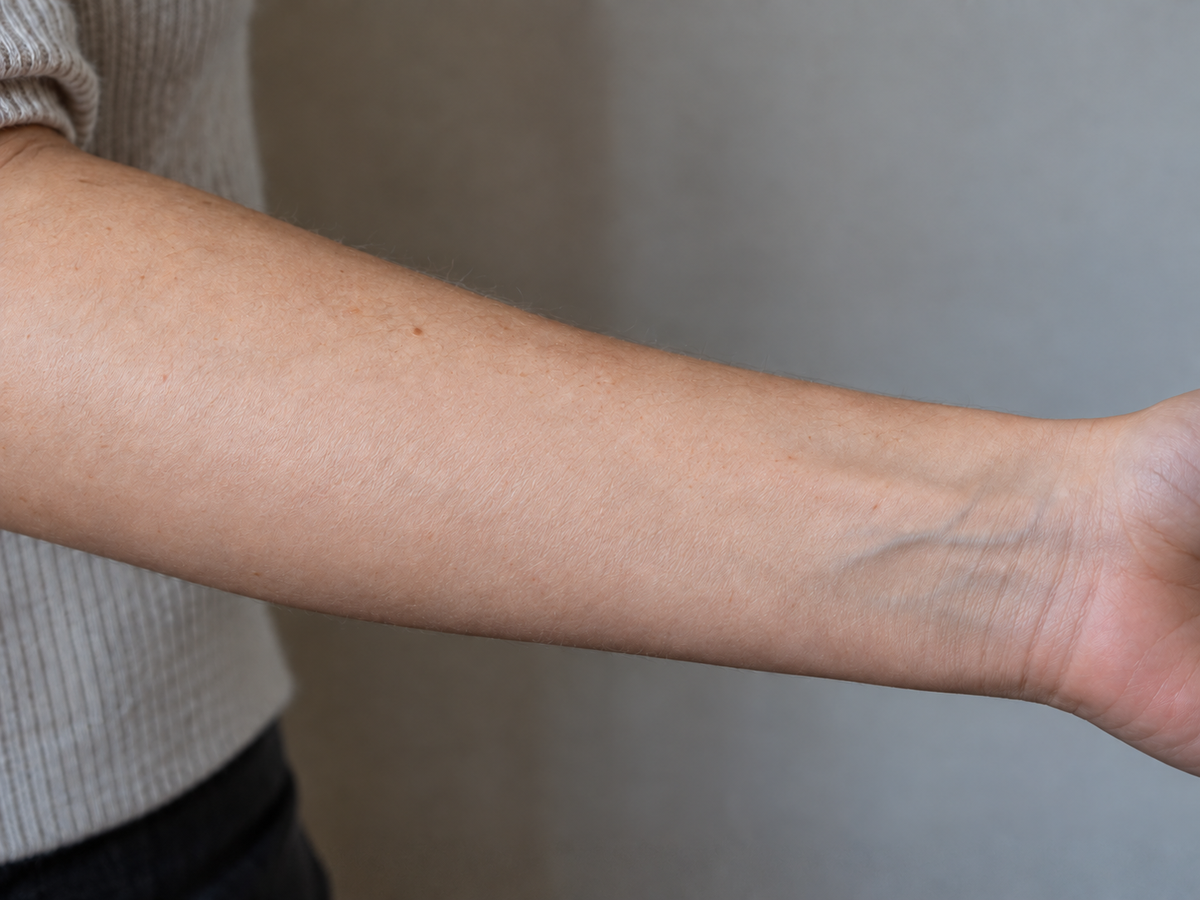
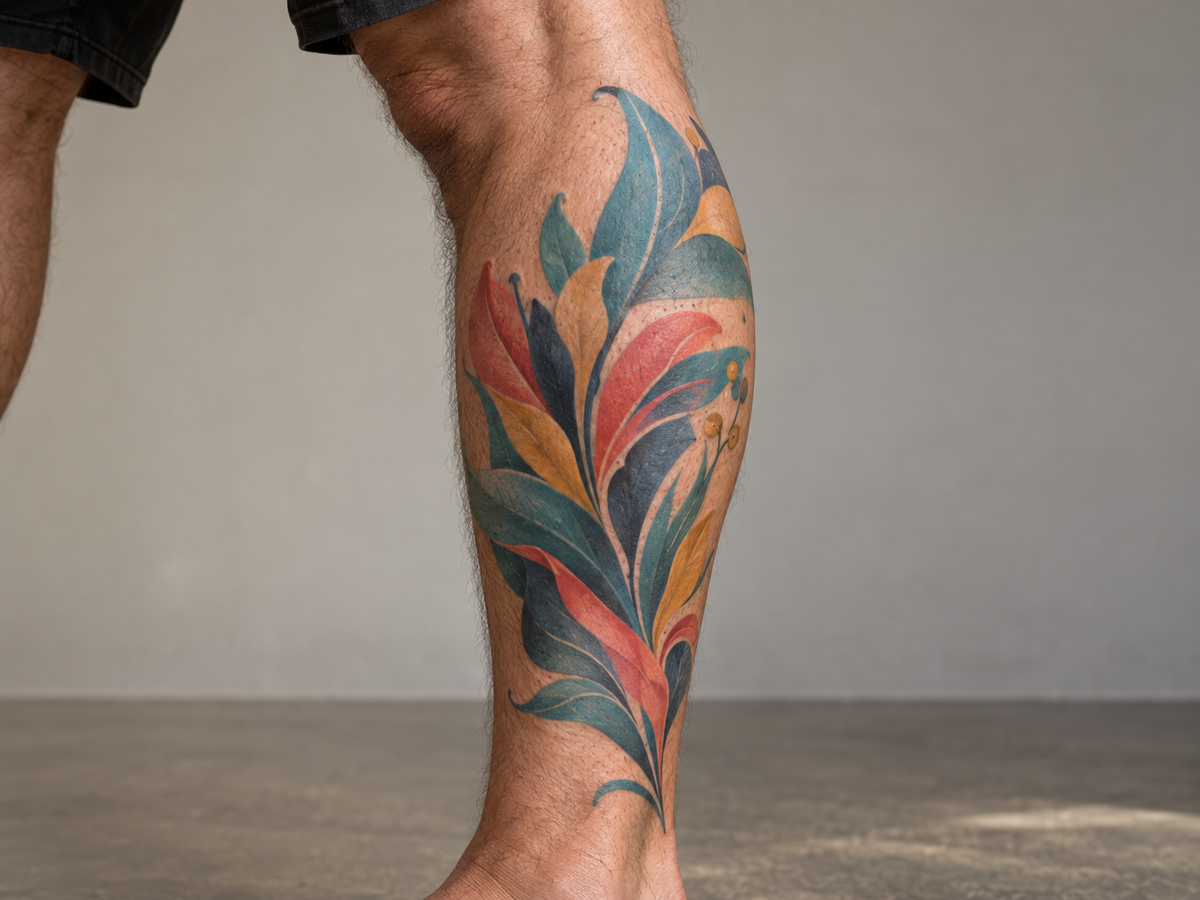
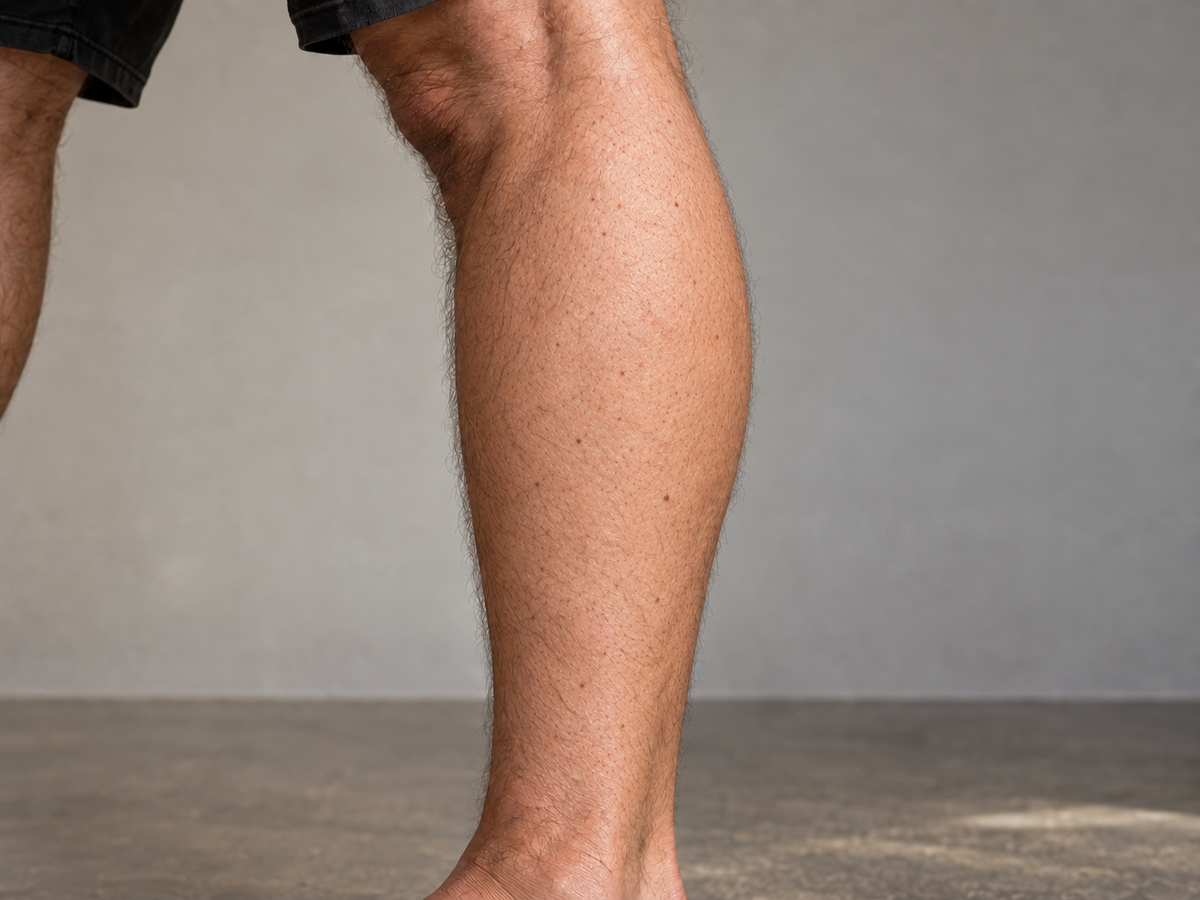
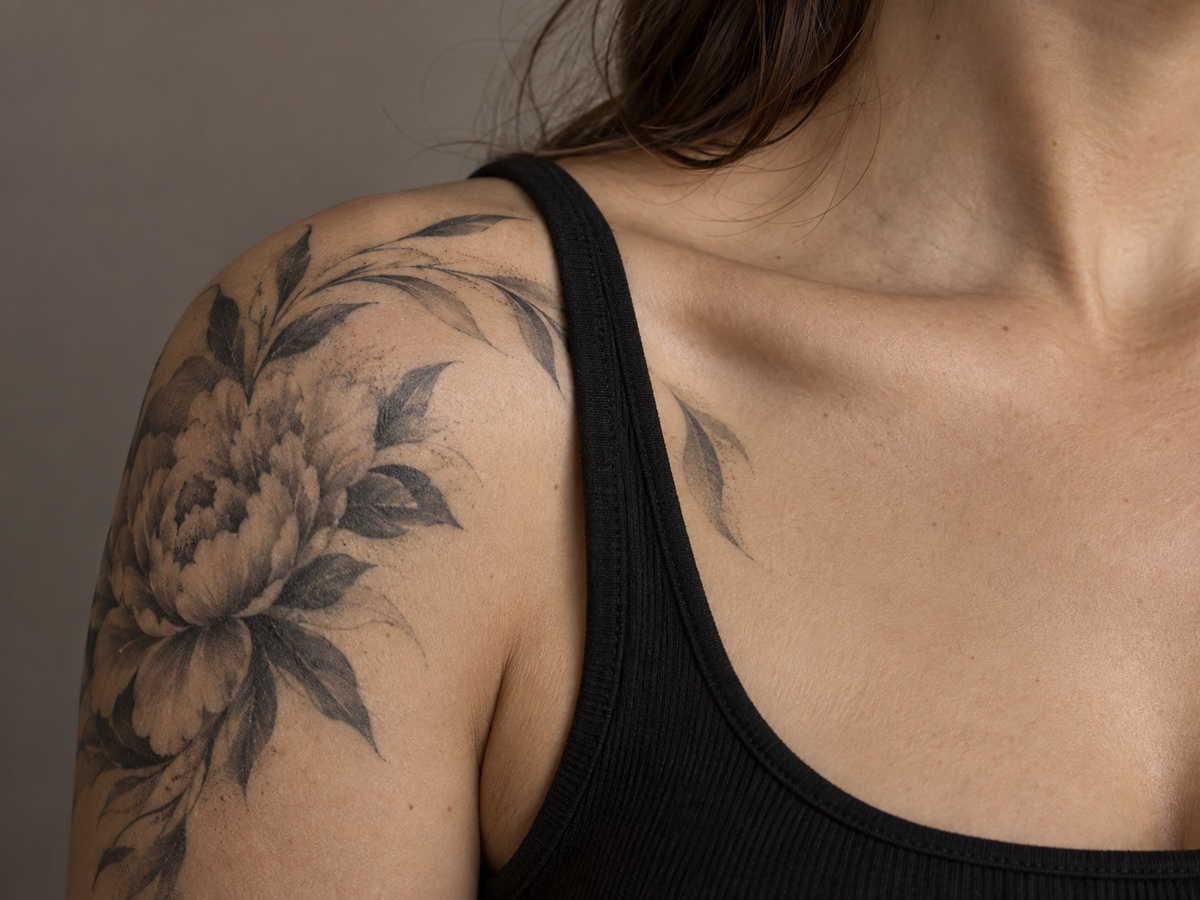
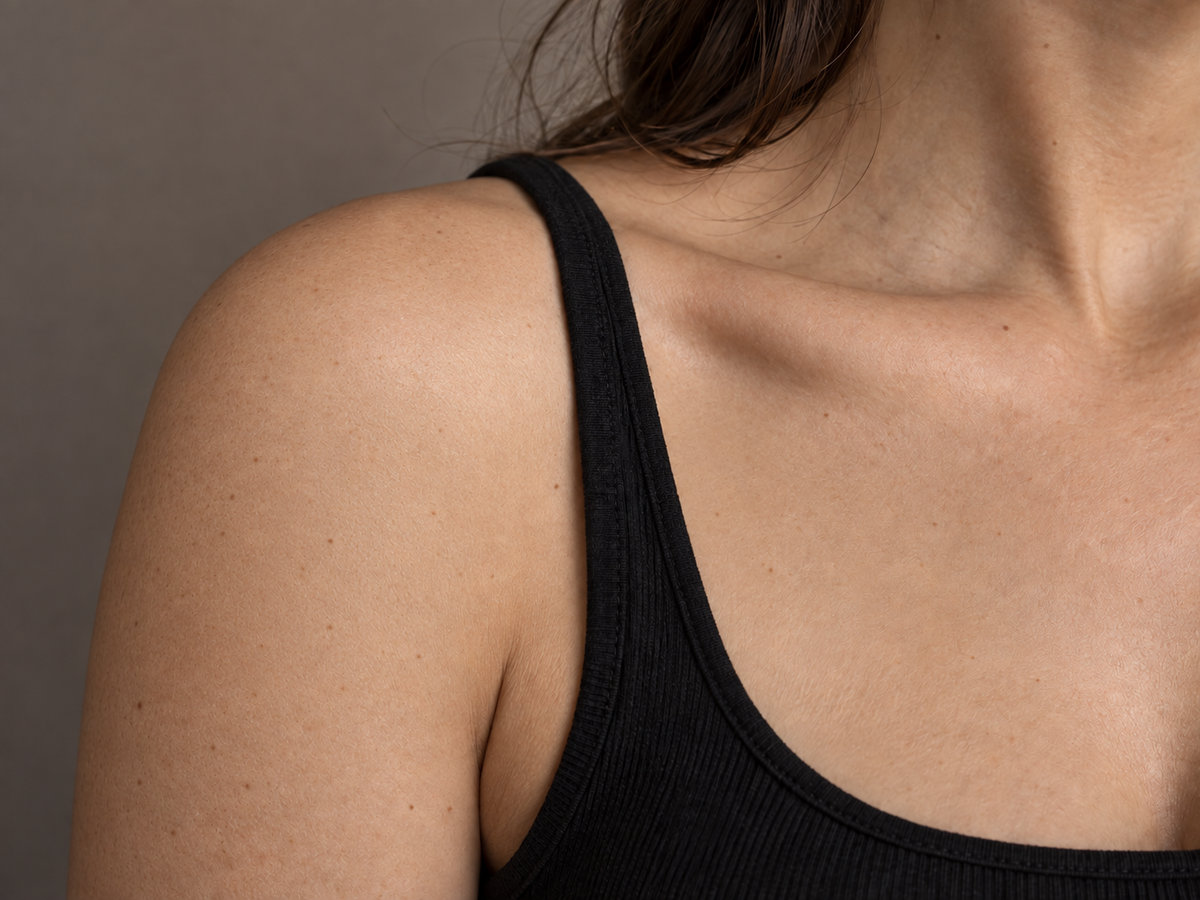
Removing a tattoo from a photo means painting a mask over the ink, then rebuilding only those pixels so the skin looks continuous. It is an inpainting job: the tool edits the masked region and is asked to leave every pixel outside it alone.
This page edits a photograph of skin; it does not touch real skin. Nothing here is a laser session, a medical assessment, or a prediction of how a real tattoo removal would look. A photo tool cannot know what pigment sits under the surface or how a clinic would fade it over several sessions, so no realistic answer to “what would I look like after real removal?” is possible. What the page can do is produce a believable photographic edit for mockups, casting, privacy, or personal reference.
A flattened photo no longer stores the skin pixels that were covered when the tattoo was inked or when the picture was taken. No tool can recover the exact hidden skin. The realistic goal is a plausible reconstruction: continue the surrounding tone, texture, pores, shading, and lighting so the repaired patch stops drawing attention. Mask-guided inpainting makes that goal far more controllable than a prompt-only edit, because you decide exactly which pixels are allowed to change.
The workbench therefore centers on selection rather than on typing. A rectangle is fast for a solid color fill, while a soft brush follows thin script, blended shading, and tattoos that cross a muscle or joint. Multi-region selection and undo mean one task can clean a small forearm line, a knee-adjacent edge, and a stray dot without starting over.