MiniMax H3 (Minimax-H3) AI Video Generator
Create a complete clip from a written direction, or animate one or two key frames with Hailuo 03. Set the shot length, choose 768P or 2K, and generate from the interactive production workspace on this page.
Your MiniMax H3 video appears here
Write a timed shot brief or upload one to two key frames, then choose the length and output quality.
MiniMax H3 generation uses site credits. The total updates with duration and resolution before you submit; failed provider starts are refunded by the existing Workbench flow.
MiniMax H3 Video Examples and Use Cases
Six ways Minimax-H3 can turn a compact brief or key art into a production-ready direction.
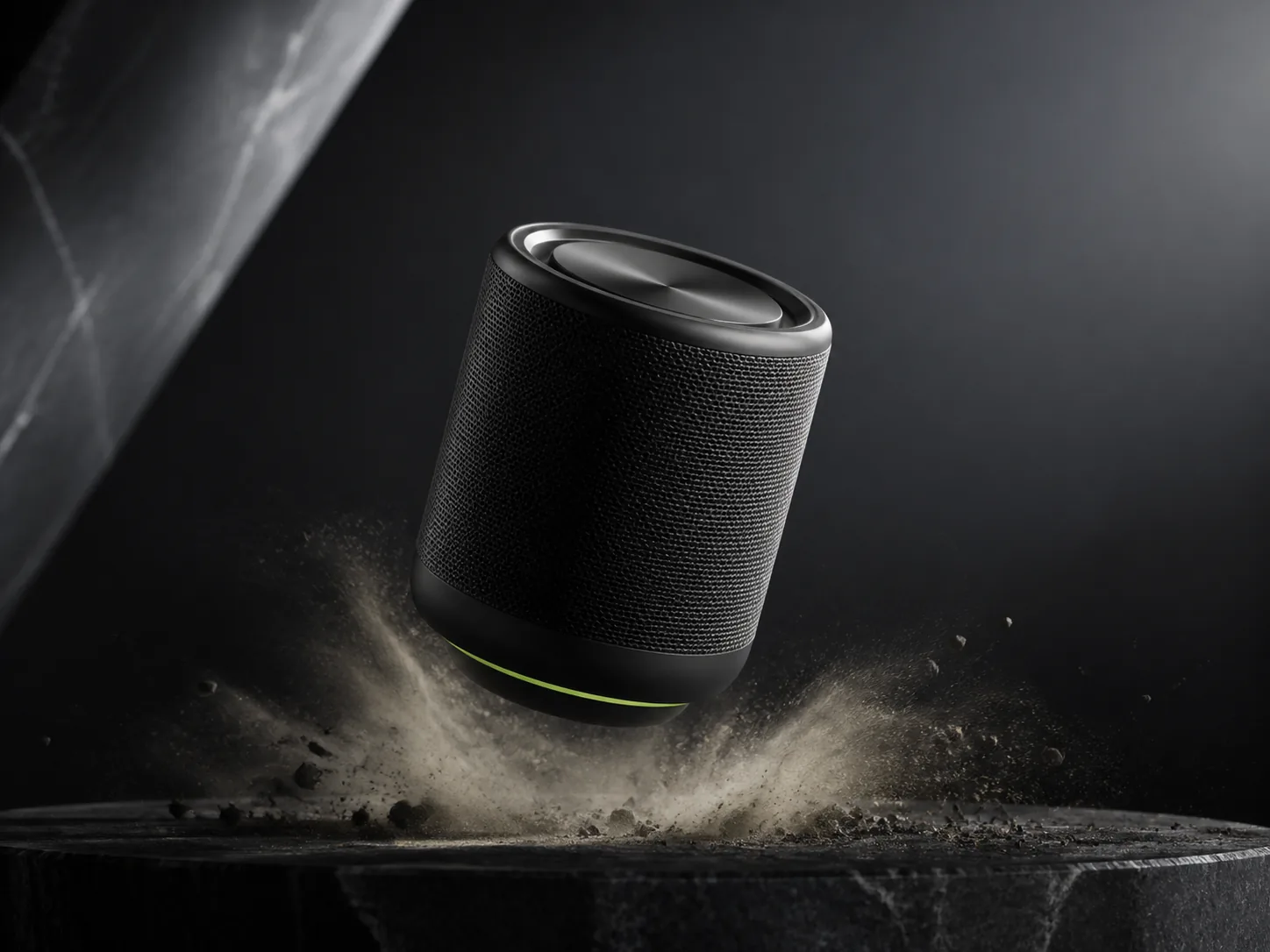
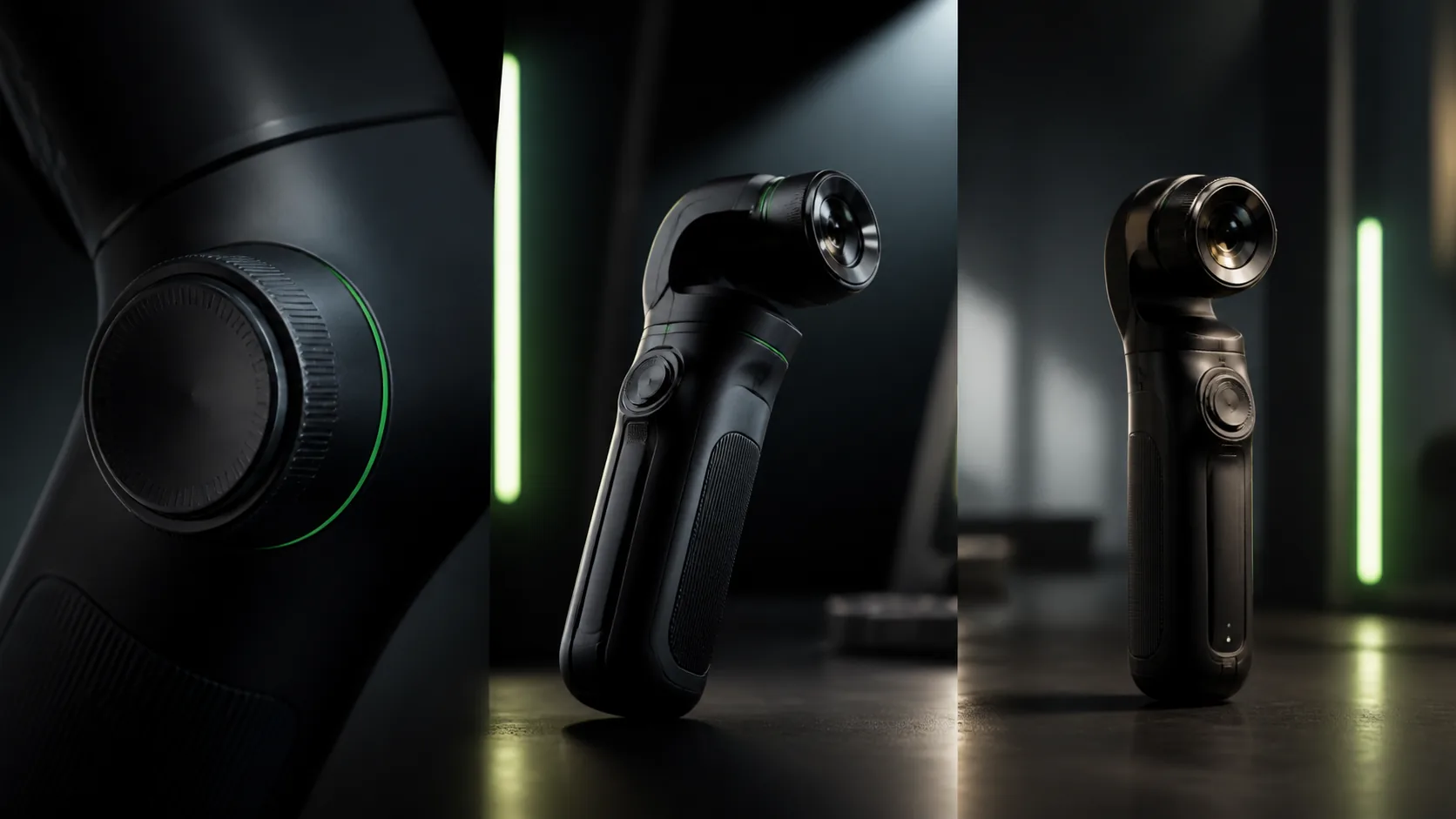
Cinematic Product Films
Plan connected macro details, material reveals, product movement, end-card timing, and synchronized foley in a short commercial sequence.
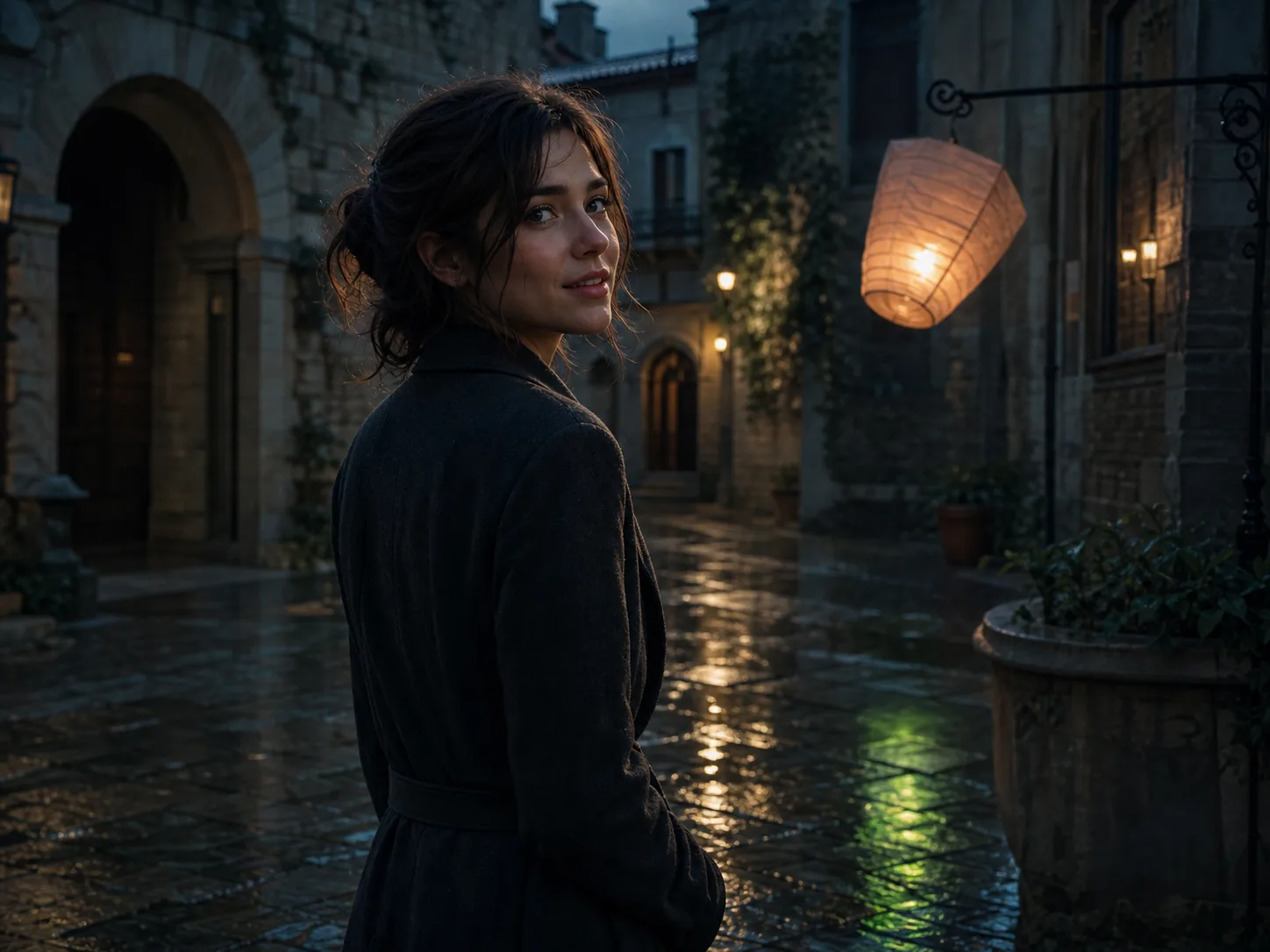
Character-Led Micro Stories
Turn a character concept into a compact narrative beat with expression, performance, camera movement, dialogue, and environmental sound.
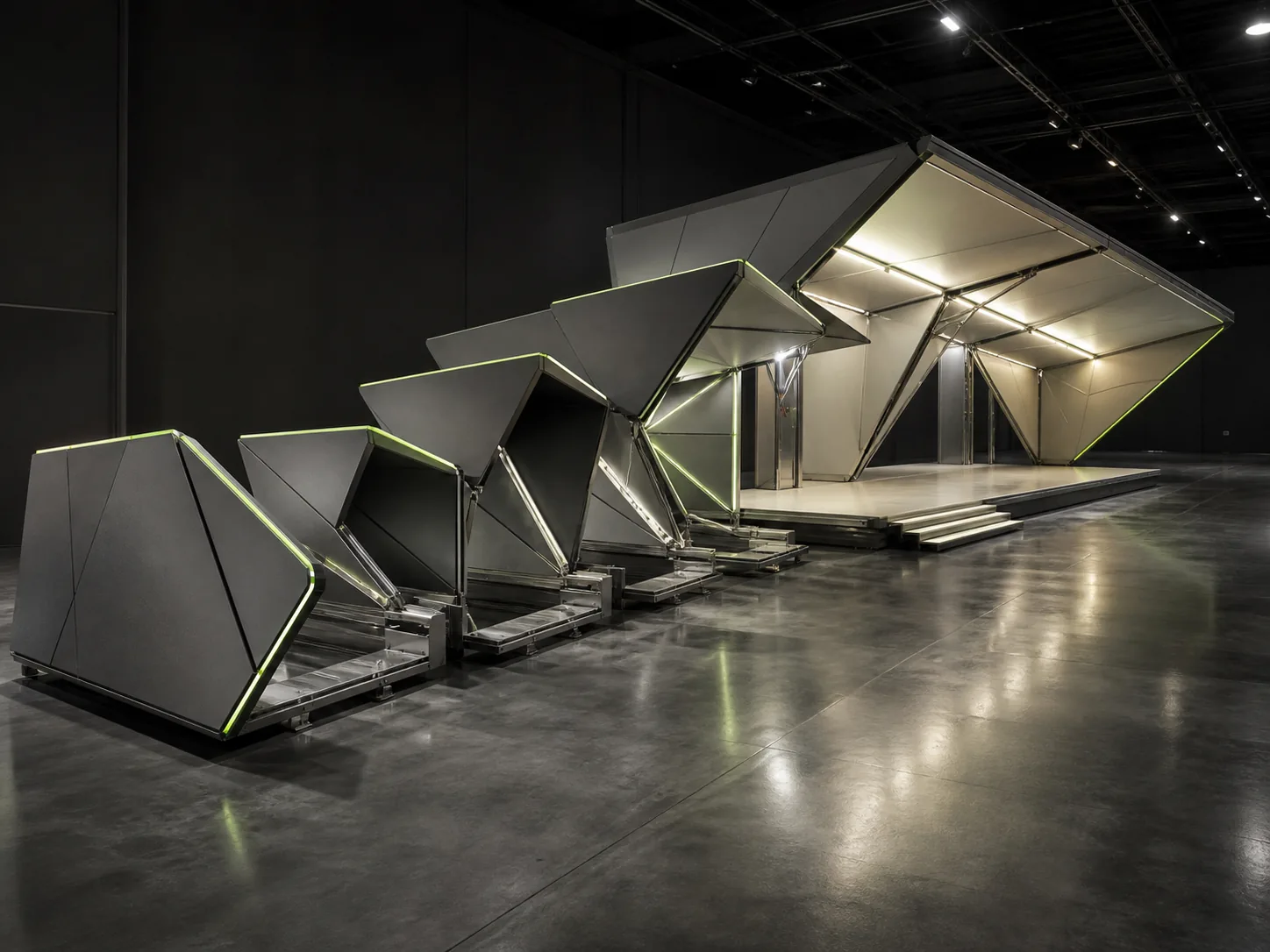
First-to-Last Frame Transitions
Define an opening and closing composition for a product transformation, wardrobe change, scene transition, or designed reveal.
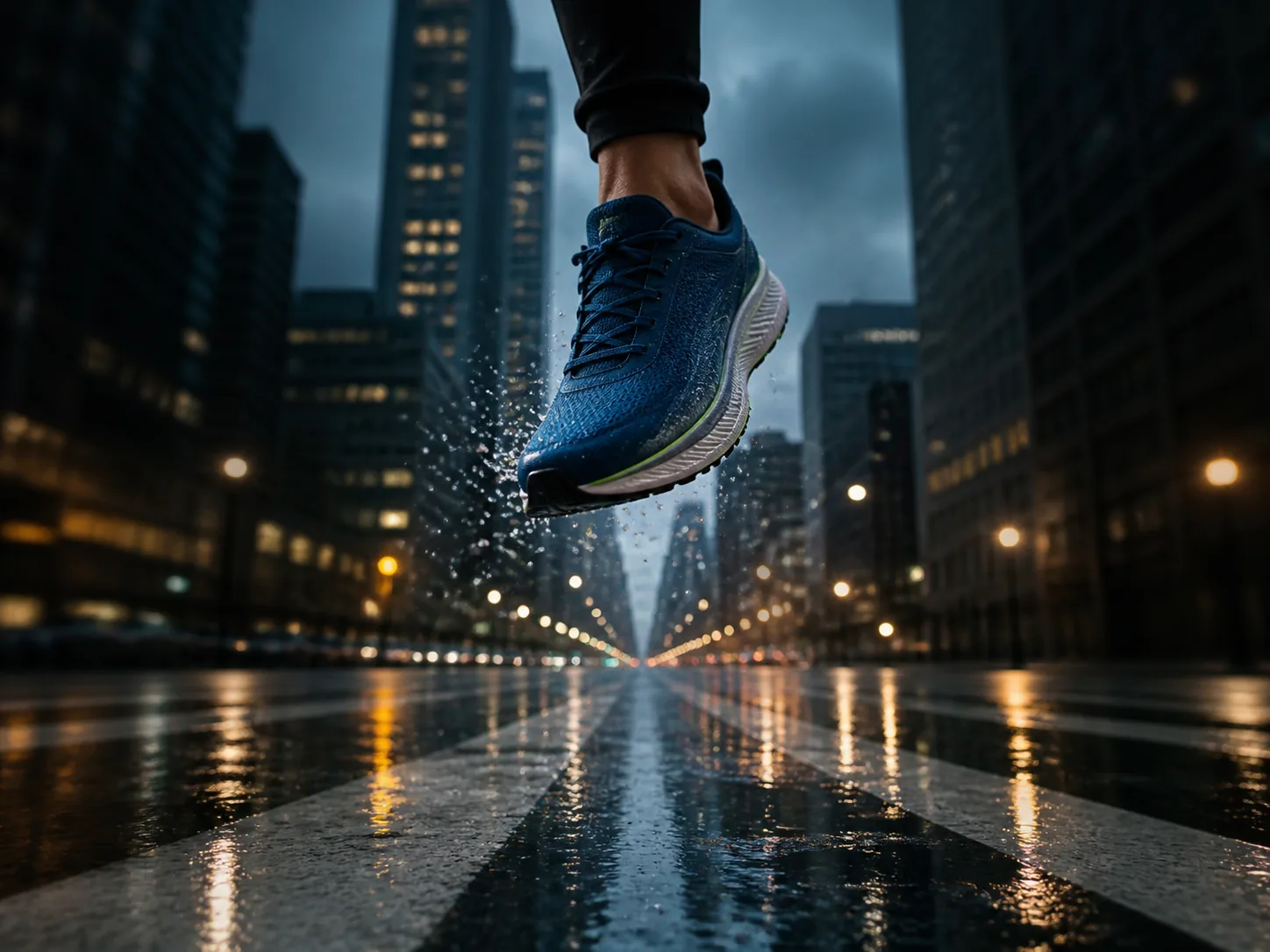
Vertical Social Campaigns
Compose 9:16 scenes for reels, stories, and short-form ads with action and sound cues designed for the phone screen from the start.
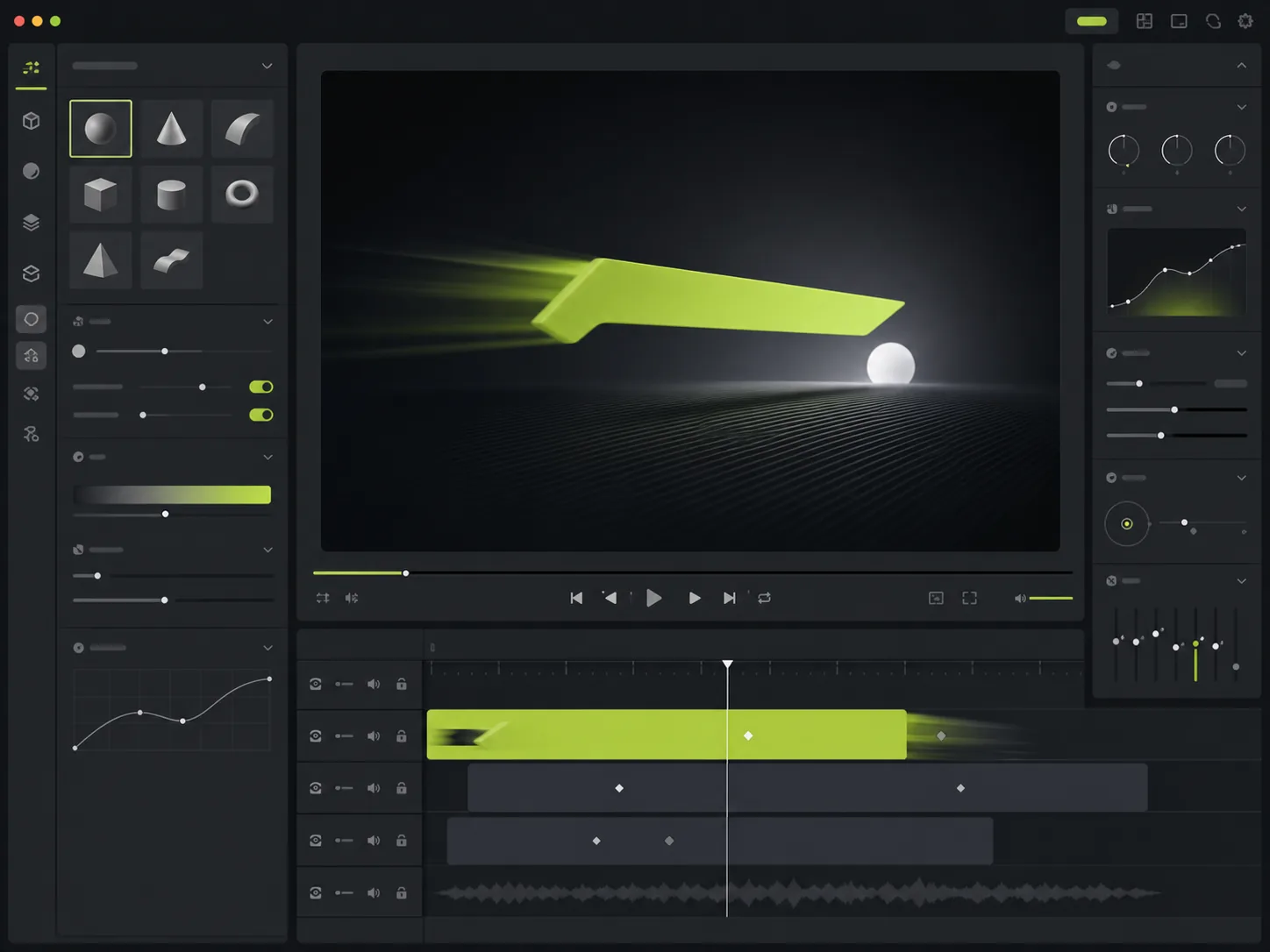
Title and Interface Motion
Explore animated typography, UI transitions, loading sequences, and camera moves through a digital product concept while preserving its hierarchy.
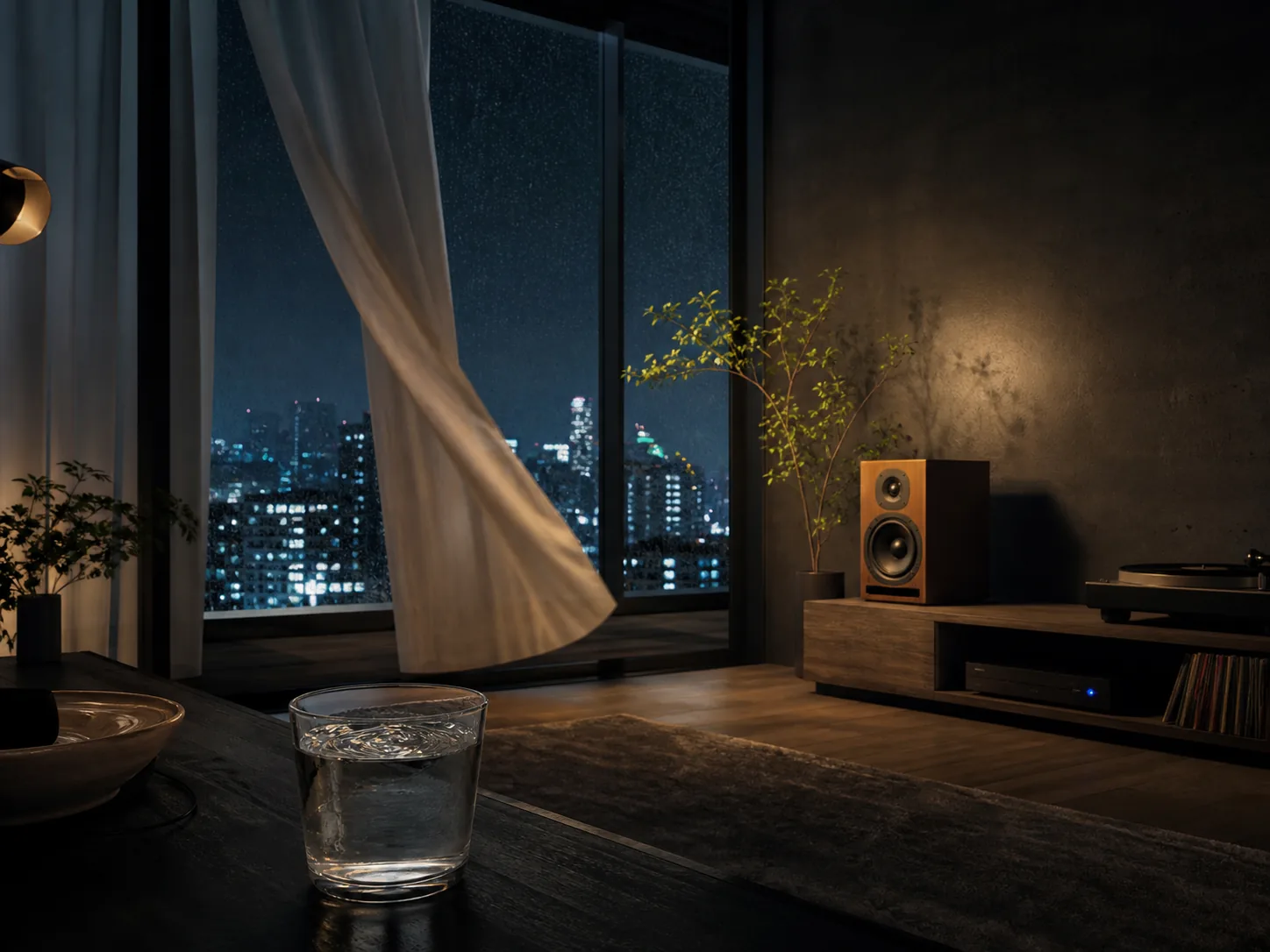
Mood Films with Sound
Develop atmosphere through lighting changes, camera rhythm, ambient detail, music, and foley before committing to a full shoot or edit.
What Is MiniMax H3?
MiniMax H3, also known as Hailuo 03, is a general-purpose AI video system designed to reason across written direction and visual references. Its text-to-video mode starts without source media. The image-to-video mode can animate a single opening frame or use both an opening and closing frame to define a more deliberate transition.
Current model documentation describes 4-15 second generation in whole-second steps with 768P or 2K output. For text-to-video, common cinematic, landscape, square, and vertical ratios include 21:9, 16:9, 4:3, 1:1, 3:4, and 9:16. Hailuo 03 is also described as producing native stereo sound, so dialogue, ambience, music, and visible action can be planned as one audiovisual brief rather than as disconnected passes.
The wider MiniMax H3 family includes reference-to-video with image, video, and audio inputs. Current documentation describes up to nine image references, three video references, and three audio references for that workflow. This page's live generator intentionally exposes the two modes already supported by the site's secure upload system: text-to-video and first/last-frame image-to-video. It does not label unsupported audio or video uploads as working controls.
For a useful first result, write the prompt like a compact shot plan: subject and environment first, then action, camera movement, timing, lighting, and sound. If you upload two frames, describe what changes between them and what must remain stable. That gives Minimax-H3 clearer constraints than a list of disconnected visual adjectives.
MiniMax H3 Features That Matter in Production
A practical reading of the current MiniMax H3 capabilities, focused on what changes the creative workflow.
Text-to-Video Direction
Build a shot from a prompt alone, including the scene, subject action, camera language, visual treatment, dialogue, ambience, and music cues.
First and Last Frame Control
Upload one image to establish the opening state or two images to guide how the sequence begins and ends, then describe the transition between them.
4-15 Second Timing
Choose any whole-second duration from 4 through 15. Short tests reduce iteration cost; longer clips give multi-beat actions and camera moves more room.
768P and 2K Output
Select 768P for faster, lower-cost exploration or 2K when the final frame detail matters more. The workspace shows the credit impact before generation.
Native Stereo Sound
Direct sound with the image: specify speech, foley, music, space, and timing in the prompt so the audiovisual idea is composed as one sequence.
Broader Multimodal Referencing
The separate reference-to-video workflow accepts image, video, and audio references for identity, movement, camera, style, voice, or sound guidance.
How to Use the MiniMax H3 Video Generator
Move from intent to a testable shot in four focused steps.
Choose text or key frames
Use Text to Video when the idea starts as a written brief. Choose First & Last Frame when a still image, product render, character design, or planned ending should anchor the motion.
Write a timed shot brief
Describe subject, location, action, camera, lighting, and sound in sequence. For multi-beat clips, state what happens first, next, and at the end instead of compressing every action into one sentence.
Set duration and quality
Pick 4-15 seconds and choose 768P or 2K. Start with a shorter 768P exploration when testing motion; reserve a longer 2K request for a prompt and composition you already trust.
Generate, review, and refine
Sign in, confirm the displayed credit cost, and generate. Review identity, motion, camera, timing, and sound separately, then change one constraint at a time before the next pass.
MiniMax H3 vs Seedance 2.0 vs Hailuo 2.3
A commercially useful comparison based on current provider documentation, not a claim that one model wins every brief.
| Decision point | MiniMax H3 | Seedance 2.0 | Hailuo 2.3 |
|---|---|---|---|
| Best starting point | Text, first frame, first-and-last frames, or the separate multimodal reference workflow | Text plus broad image, video, and audio reference workflows | Straightforward text-to-video and image-to-video generation |
| Documented clip length | 4-15 seconds through the current generation modes | Up to 15-second multi-shot audiovisual output in ByteDance's release material | 6 or 10 seconds depending on resolution and mode |
| Resolution choice | 768P for iteration or 2K for higher-detail delivery | Confirm the resolution offered by the platform or service tier you use | 768P or 1080P, with duration-dependent combinations |
| Audio workflow | Current documentation describes native stereo output and audio-aware prompting | ByteDance documents joint audiovisual generation with two-channel audio | Primarily positioned around visual motion, expression, and physics |
| Why teams shortlist it | 2K delivery, flexible timing, key-frame control, and broad reference workflows in one family | Complex motion, multimodal referencing, video editing, and continuation | A simpler proven Hailuo workflow for realistic movement and 1080P output |
| Try it here | Interactive text and first/last-frame generation is available above with site credits | Use the ByteDance platform or a supported generation service | Use a Hailuo 2.3 provider or dedicated model page |
When MiniMax H3 Is the Right Choice
Choose Hailuo 03 when these production constraints matter more than a generic model leaderboard.
You need a defined ending
The first-and-last-frame route is useful when a transition must land on a product pose, layout, title card, or designed closing composition instead of ending arbitrarily.
You want timing beyond fixed presets
Whole-second control from 4 to 15 seconds makes it easier to match a placement, dialogue beat, or edit gap without choosing only a small set of fixed lengths.
Sound belongs in the concept
Native stereo generation lets the brief connect visible actions with dialogue, ambience, music, and foley before a separate sound-design pass.
You need an upgrade path
Start in the browser with text or frames, then move to the broader reference-to-video workflow when a production needs motion, camera, voice, or style guidance from more media types.
MiniMax H3 FAQ
Direct answers about the Minimax-H3 model, current parameters, and this page's working generator.
Create Your First MiniMax H3 Video
Start with a timed shot brief or two key frames, choose 768P or 2K, and turn the idea into a clip from the workspace above.