Gemini Omni: Turn Text and Images into Video
Gemini Omni is Google's any-input-to-video model that turns a written prompt — or up to seven reference images — into short, coherent clips with believable motion. Generate text-to-video and reference-to-video right here, with nothing to install.
Your Gemini Omni clip will appear here
Describe a scene or upload references, then generate to see your video.
Describe a scene or upload references, then generate above — the Gemini Omni workspace is right here. Sign in when you are ready to save your clips.
What You Can Build with Gemini Omni
From social shorts to product teasers, Gemini Omni fits into real creative work.
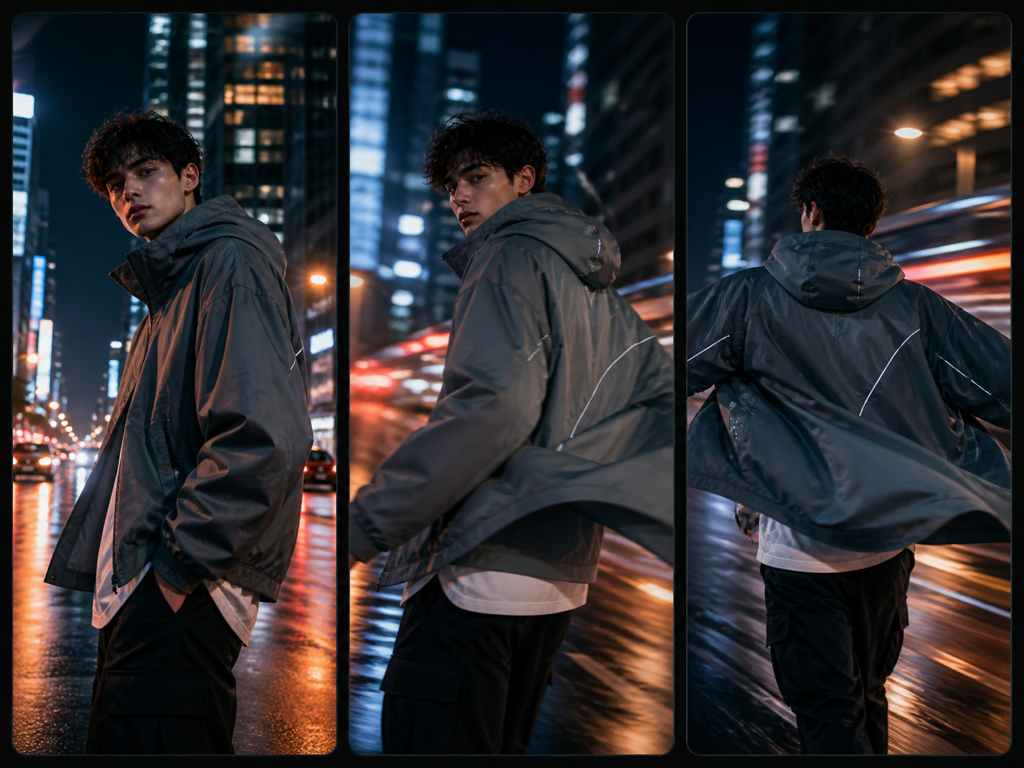
Social Video & Reels
Spin up vertical 9:16 clips for stories, reels, and shorts — straight from a prompt, with motion that feels intentional.
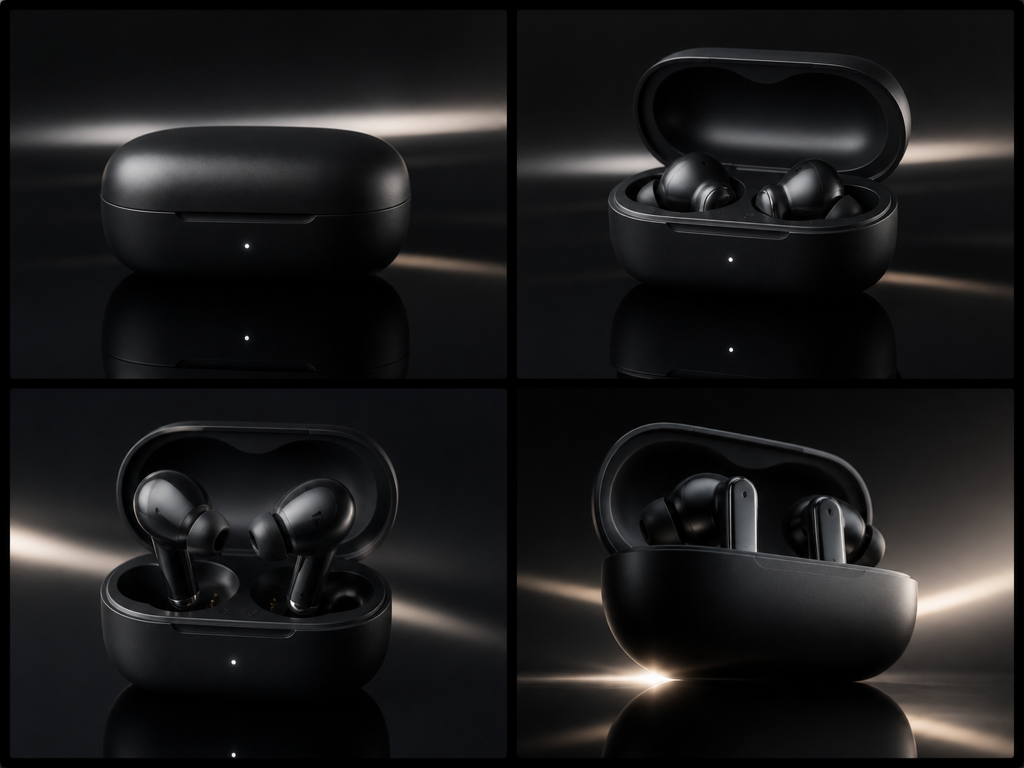
Product Teasers
Animate a product from reference images into a short teaser for landing pages and ads without booking a shoot.
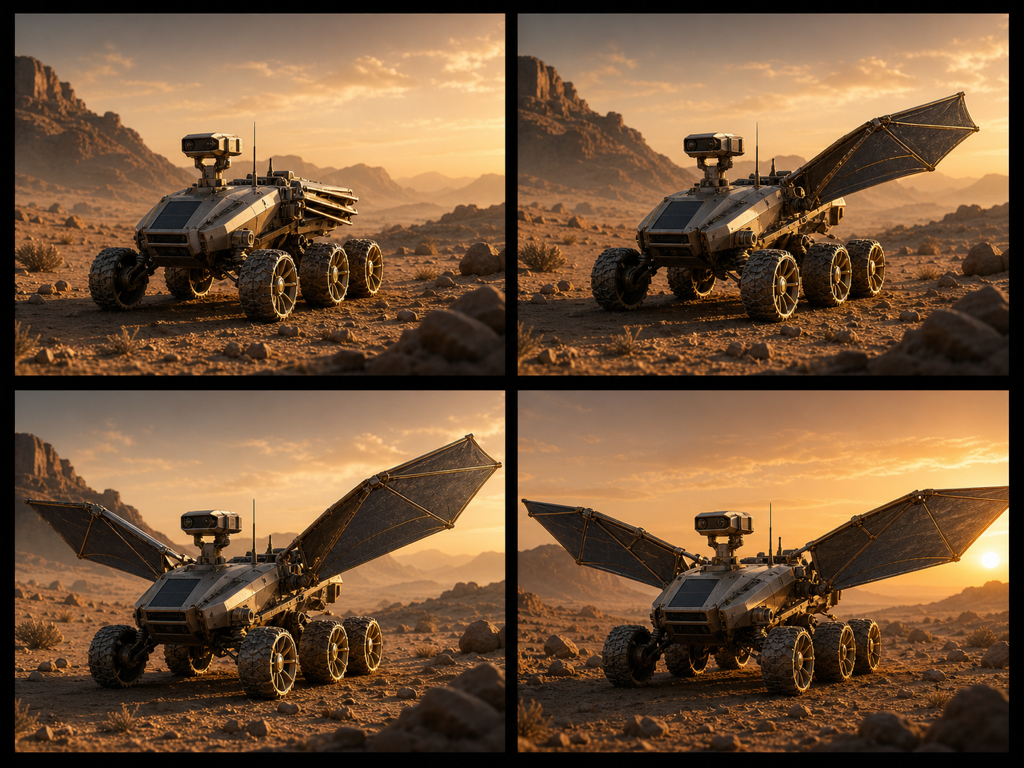
Animated Concepts
Turn a still concept into a moving clip to pitch an idea, a scene, or a mood before committing to production.
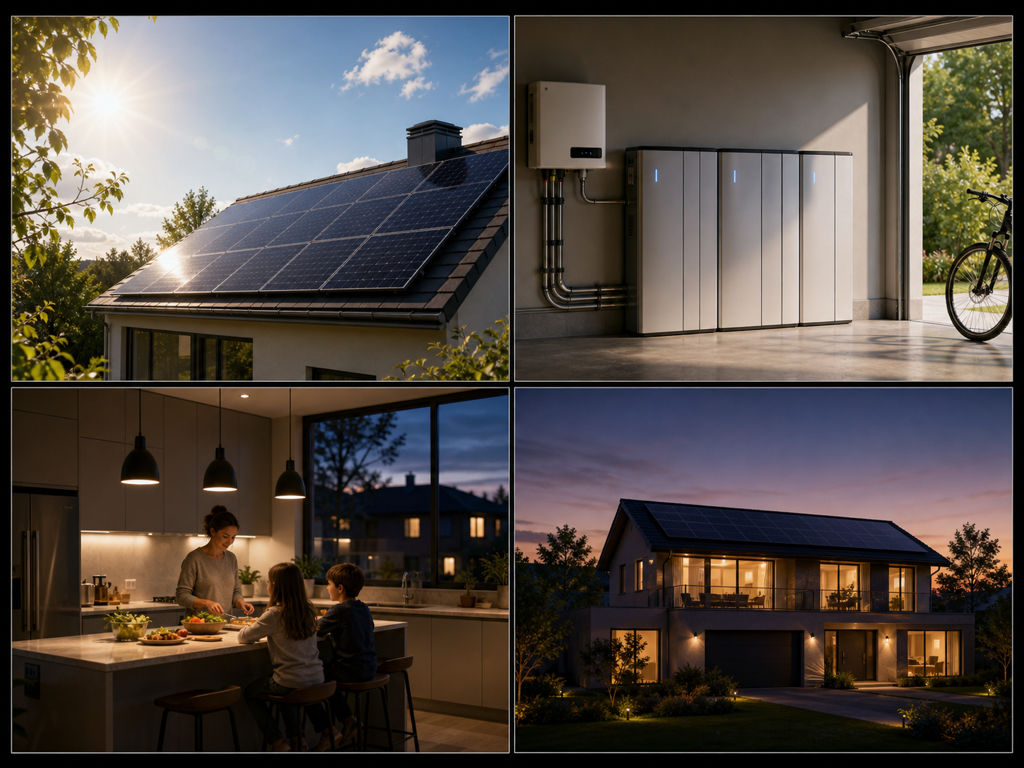
Explainer Shots
Generate short establishing shots and transitions to stitch into explainers and presentations.
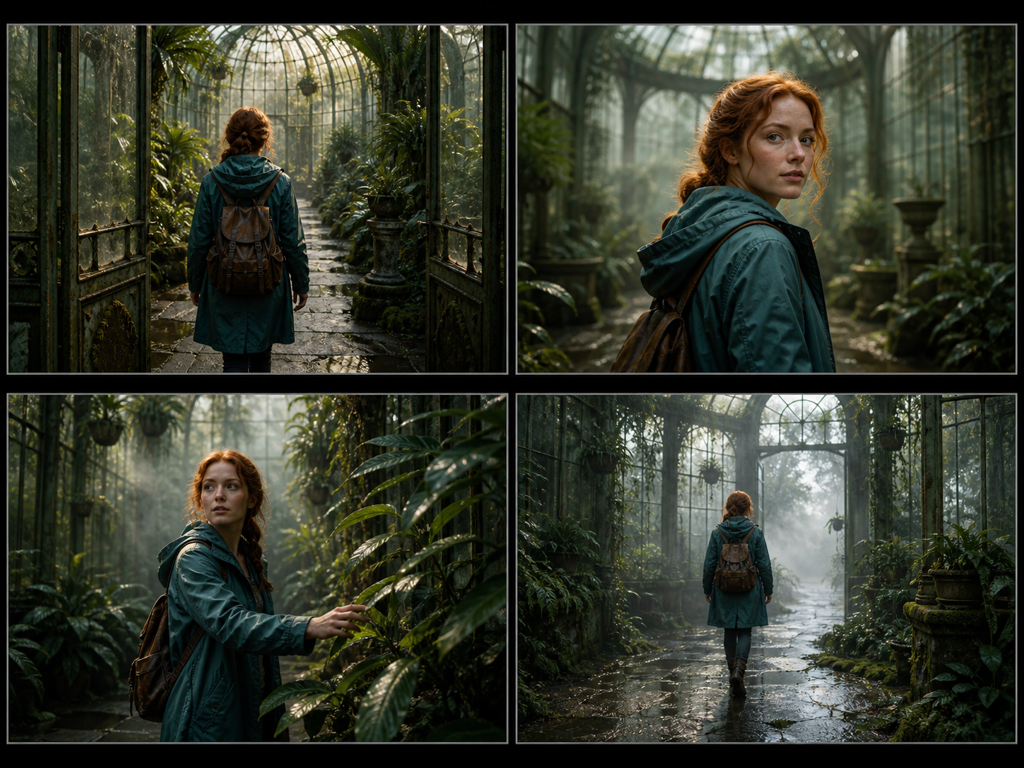
Reference-Driven Scenes
Feed up to seven references so Gemini Omni keeps a character or set consistent across the motion.
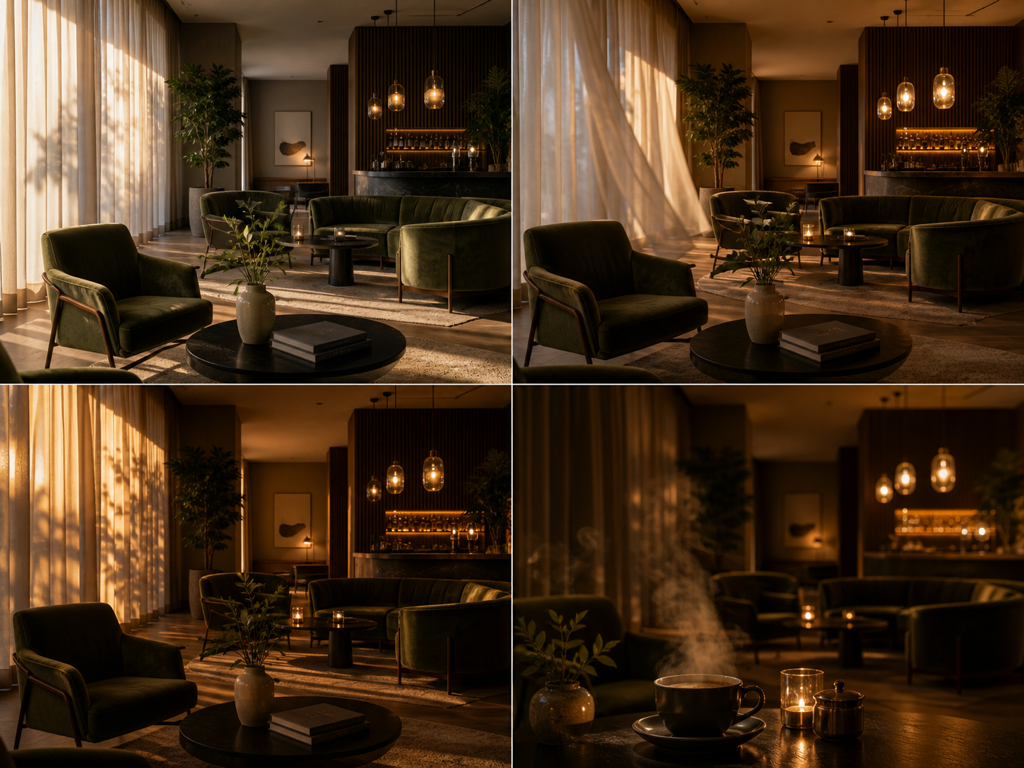
Moodboards in Motion
Bring a static moodboard to life as a moving sequence to explore a visual direction quickly.
What Is Gemini Omni?
Gemini Omni is Google's any-input-to-video model that creates short clips from natural-language prompts. Describe a scene — a camera move, an action, a mood — and Gemini Omni animates it in a single pass, no timeline or keyframes required.
It also works from images. Upload up to seven references, describe how they should move, and Gemini Omni brings them to life as reference-to-video while keeping subjects coherent through the motion. A world-model design helps objects stay consistent as the camera travels.
Because the Gemini Omni workspace lives in the browser, there is nothing to download. Generate from text or references, preview the clip, and export — the whole workflow happens on this page.
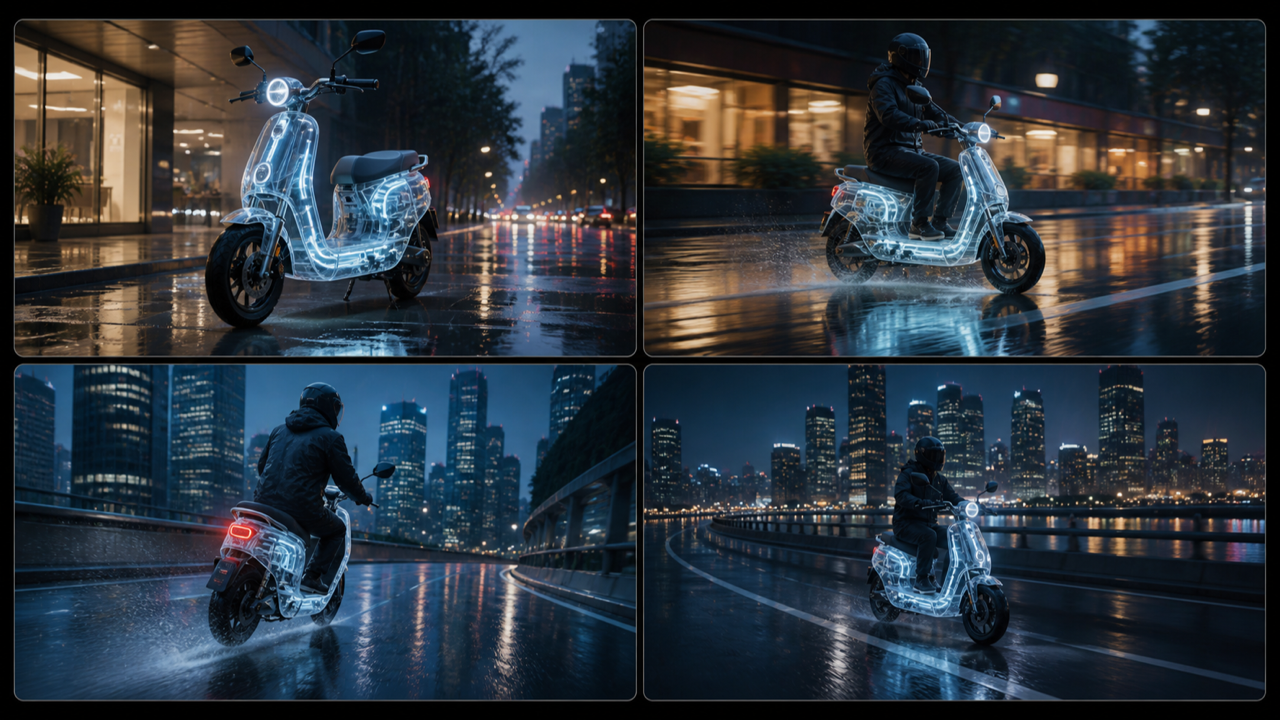
Key Features of Gemini Omni
Everything you need to move from idea to finished clip, built into one Gemini Omni workspace.
Text-to-Video Generation
Describe a scene in plain language and Gemini Omni renders a short clip — camera motion, action, and mood included — without a timeline to manage.
Reference-to-Video
Upload up to seven references and Gemini Omni animates them, adding motion while keeping the original subjects and composition coherent.
World-Model Consistency
Gemini Omni keeps objects and characters stable as the camera moves, so subjects that pass behind something emerge looking the same.
Coherent Motion
Motion stays smooth and temporally consistent across frames, so clips read as believable shots rather than flickering frames.
Flexible Orientation
Render widescreen 16:9 for landscape stories or vertical 9:16 for shorts and reels, framed for the platform you publish to.
Fast, Browser-Based Workflow
No installs, no setup. The Gemini Omni workspace opens on this page, so you can iterate quickly and download the clip you like.
How to Use Gemini Omni
Create your first clip with Gemini Omni in four simple steps.
Describe your scene
Type a clear prompt — subject, action, camera move, and mood. The more specific you are, the closer Gemini Omni lands to the shot you imagine.
Add references (optional)
Switch to reference-to-video and upload up to seven images when you want Gemini Omni to animate existing subjects instead of starting from text alone.
Pick your orientation
Choose 16:9 for landscape or 9:16 for vertical so the clip fits where it will play — a feed, a story, or a widescreen player.
Generate and download
Hit generate and Gemini Omni renders your clip. Refine the prompt and try again, then download the version you love.
Gemini Omni vs. Manual Video Production
How a prompt-first video model compares with the traditional shoot-and-edit workflow.
| Capability | Gemini Omni | Manual production |
|---|---|---|
| From idea to clip | A prompt becomes a short video in one pass | Shoot, import, and edit on a timeline |
| Reference inputs | Animates up to 7 reference images | Rotoscoping and manual compositing |
| Consistency | World-model object permanence | Depends on careful reshoots |
| Orientation | 16:9 and 9:16 from the same model | Reframing and re-exporting by hand |
| Setup | Browser-based workspace, nothing to install | Cameras, crew, and editing software |
| Speed to first cut | Seconds from prompt to clip | Hours to days of production |
Why Choose Gemini Omni
A video model built around the things that usually slow production down.
Any input to video
Start from a prompt or from references — Gemini Omni handles text-to-video and reference-to-video in one workspace.
Motion that holds together
World-model consistency and temporal stability keep subjects coherent, so clips look like real shots rather than flicker.
Built for every feed
Switch between 16:9 and 9:16 so Gemini Omni clips fit landscape players and vertical stories alike.
Ready in the browser
The Gemini Omni workspace opens on this page, so you can generate and preview clips without installing anything.
Gemini Omni FAQ
Answers to the most common questions about Gemini Omni.
Start Creating with Gemini Omni
Turn your next idea into a finished clip. Describe it, generate it, and download it — all on this page.