GPT Image 2: Generate and Edit Images from Plain Text
GPT Image 2 is an AI image generator that turns natural-language prompts into polished visuals — with legible in-image typography, reference-guided photo edits, and characters that stay consistent across every scene. Start creating below, with nothing to install.
Ready to start creating?
Select a mode on the left, upload images or enter descriptions, and let AI create amazing visuals for you
Type a prompt and generate above — the GPT Image 2 workspace is available on this page. Sign in when you are ready to save full-resolution results.
What You Can Build with GPT Image 2
From quick social posts to full campaigns, GPT Image 2 fits into real creative work.
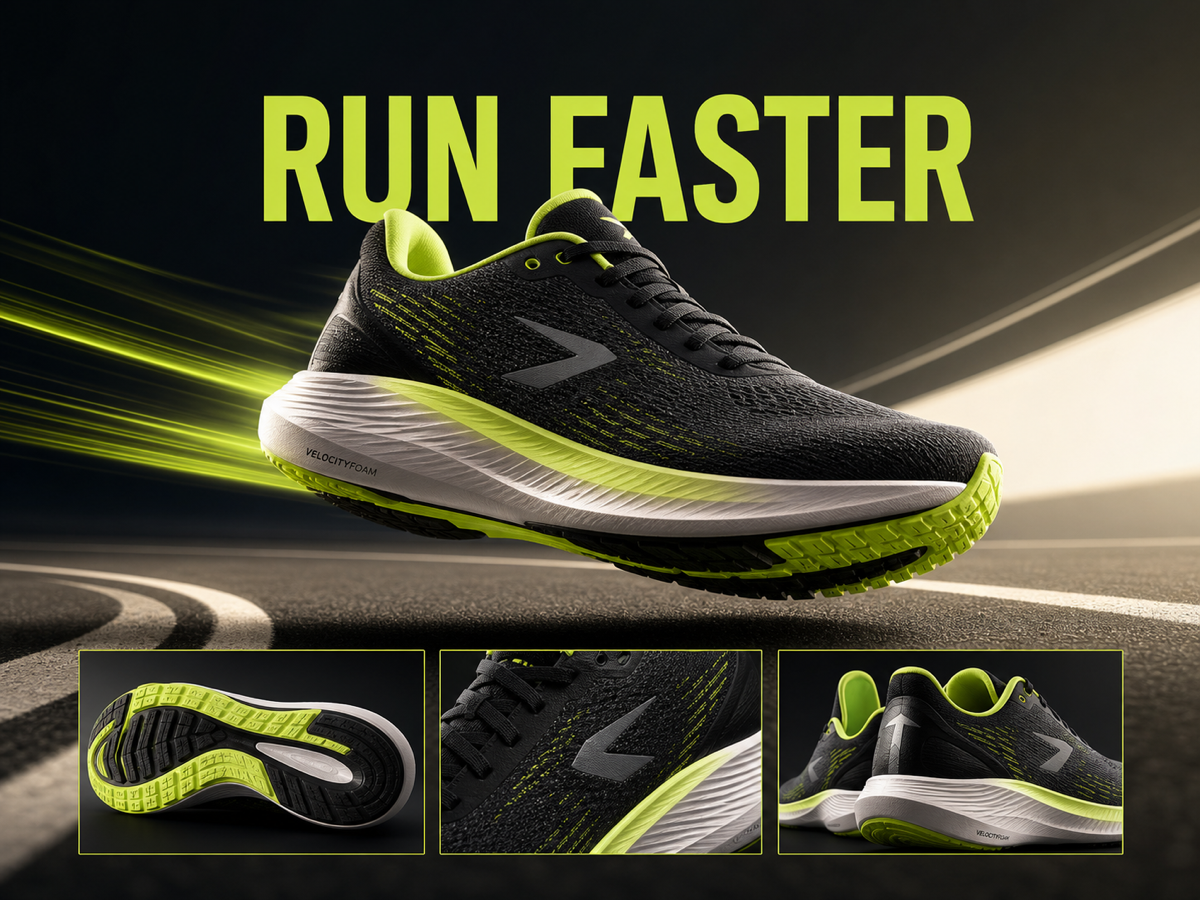
Marketing & Ad Creative
Spin up on-brand banners, social ads, and promo graphics — complete with accurate headline text — in a fraction of the usual time.
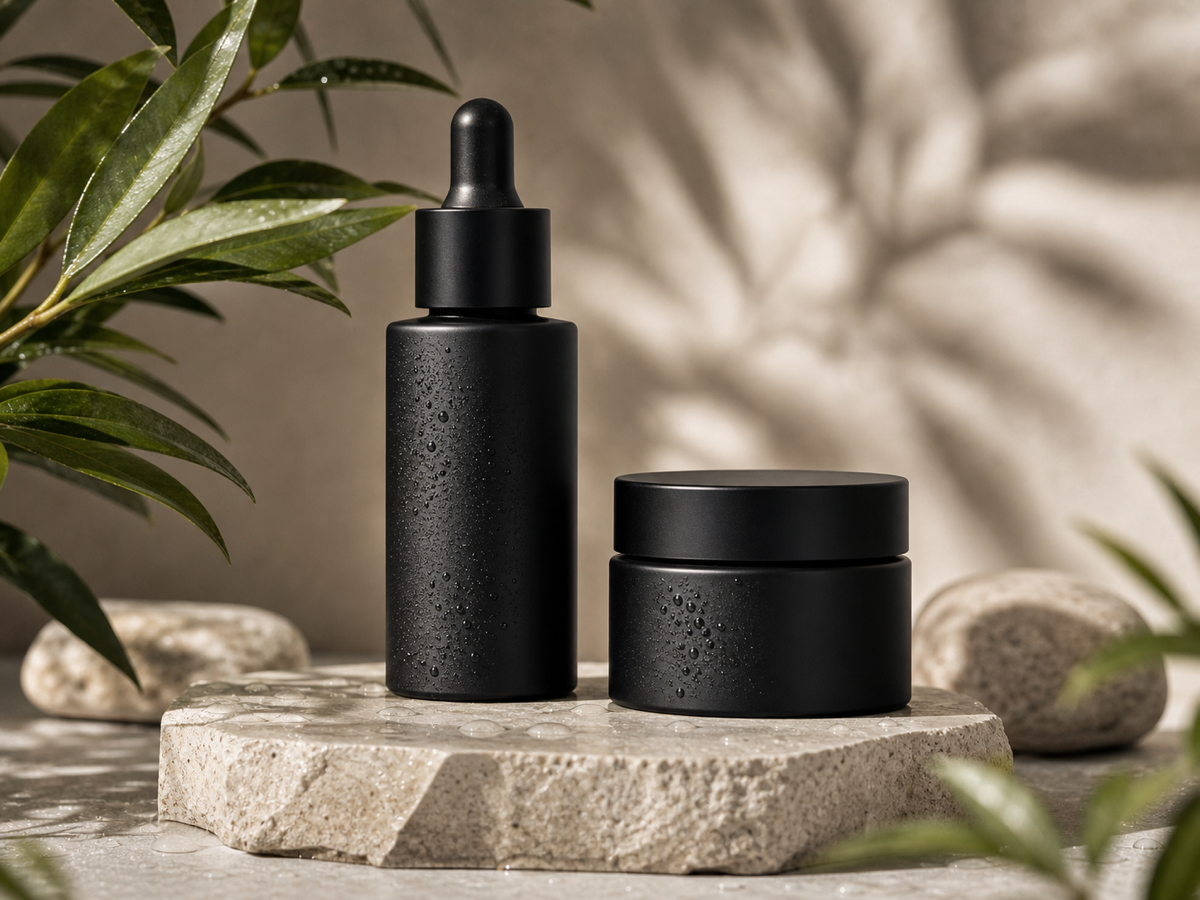
Product Mockups
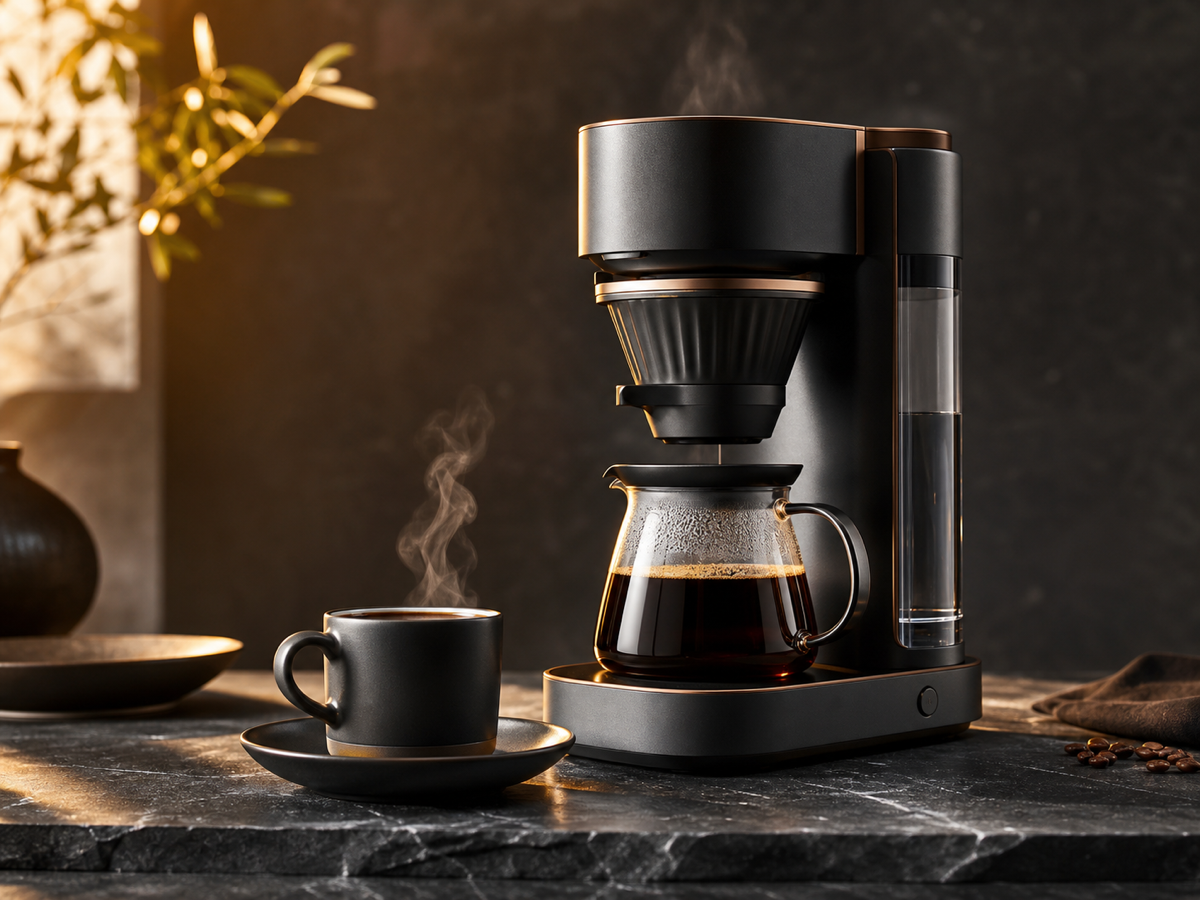
Place products in clean, photoreal scenes for landing pages and storefronts without booking a photo shoot.
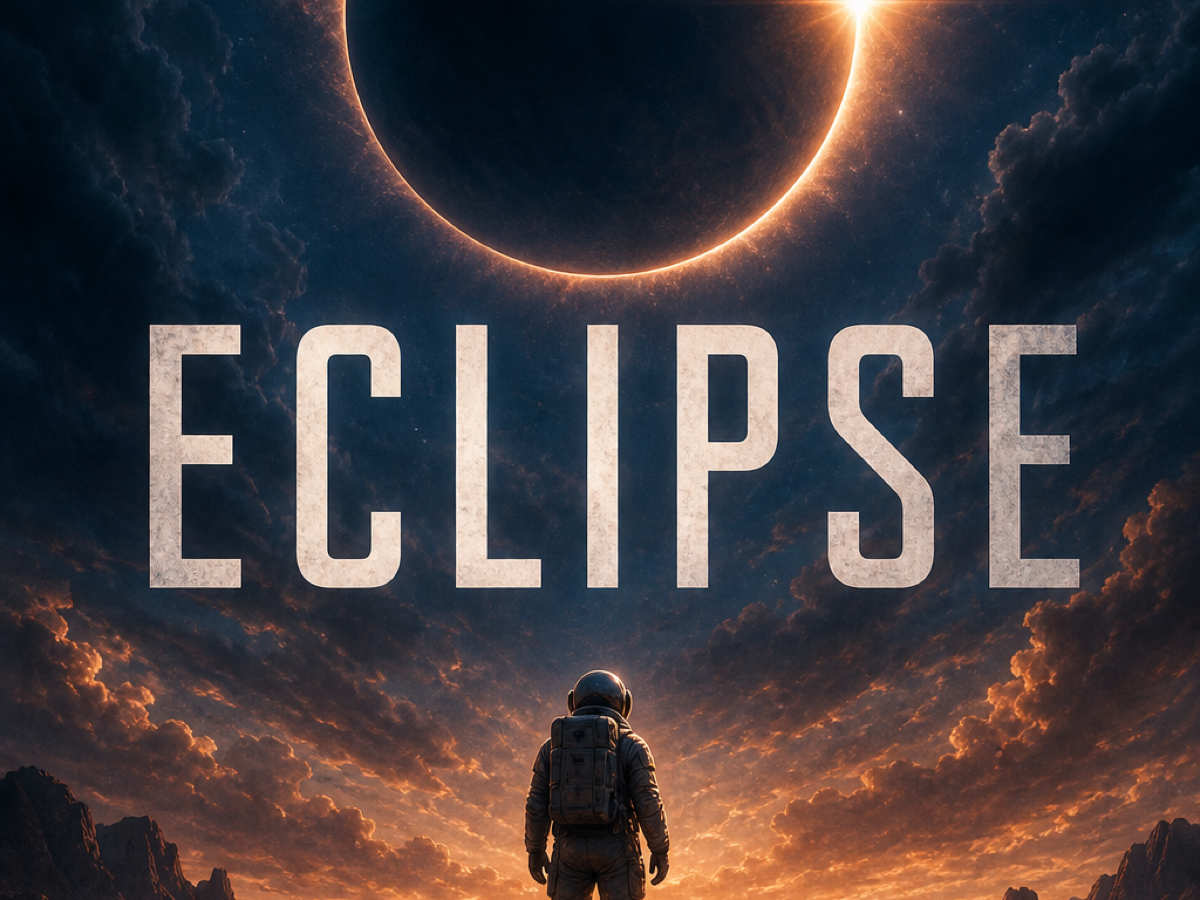
Posters & Thumbnails
Design eye-catching posters and video thumbnails where the text stays sharp and perfectly spelled.
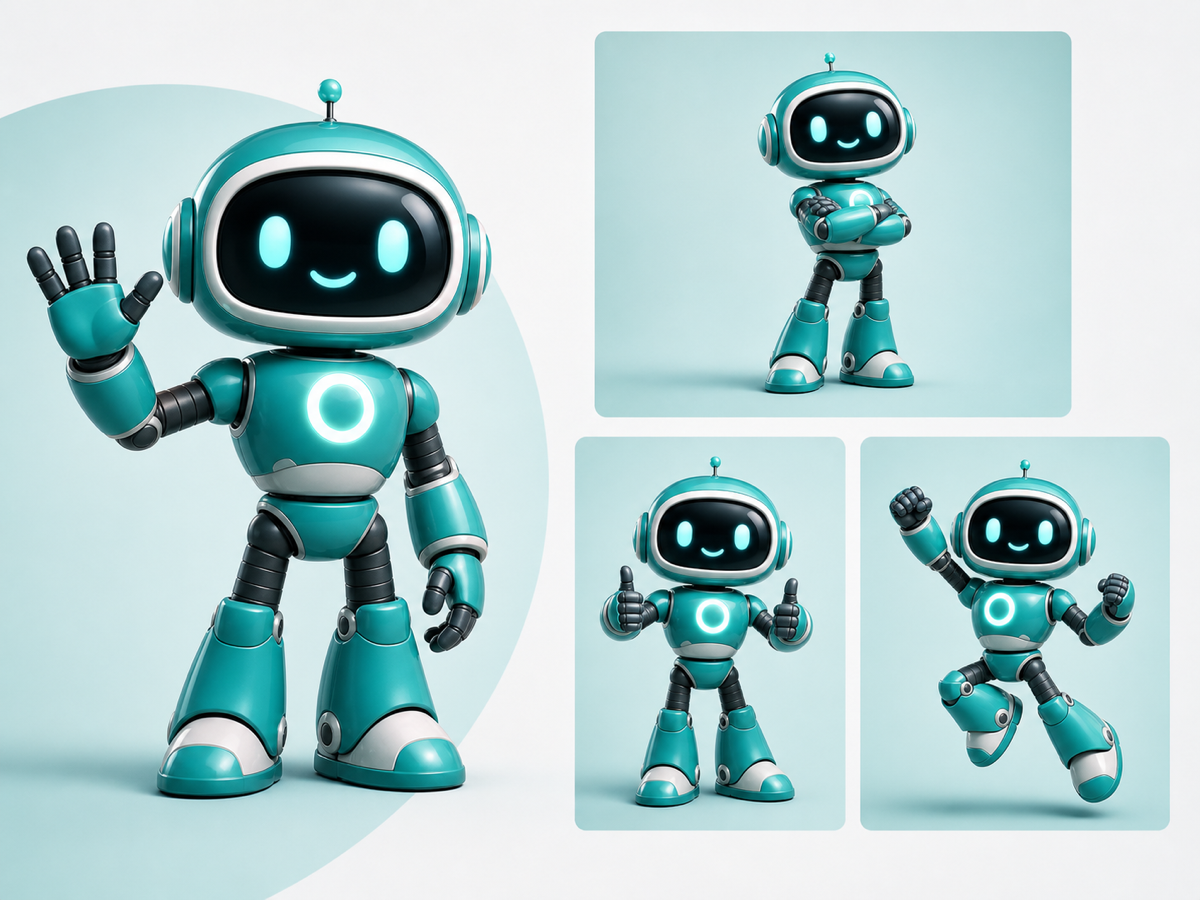
Characters & Brand Mascots
Generate a character once, then reuse it across scenes and poses with a consistent identity.
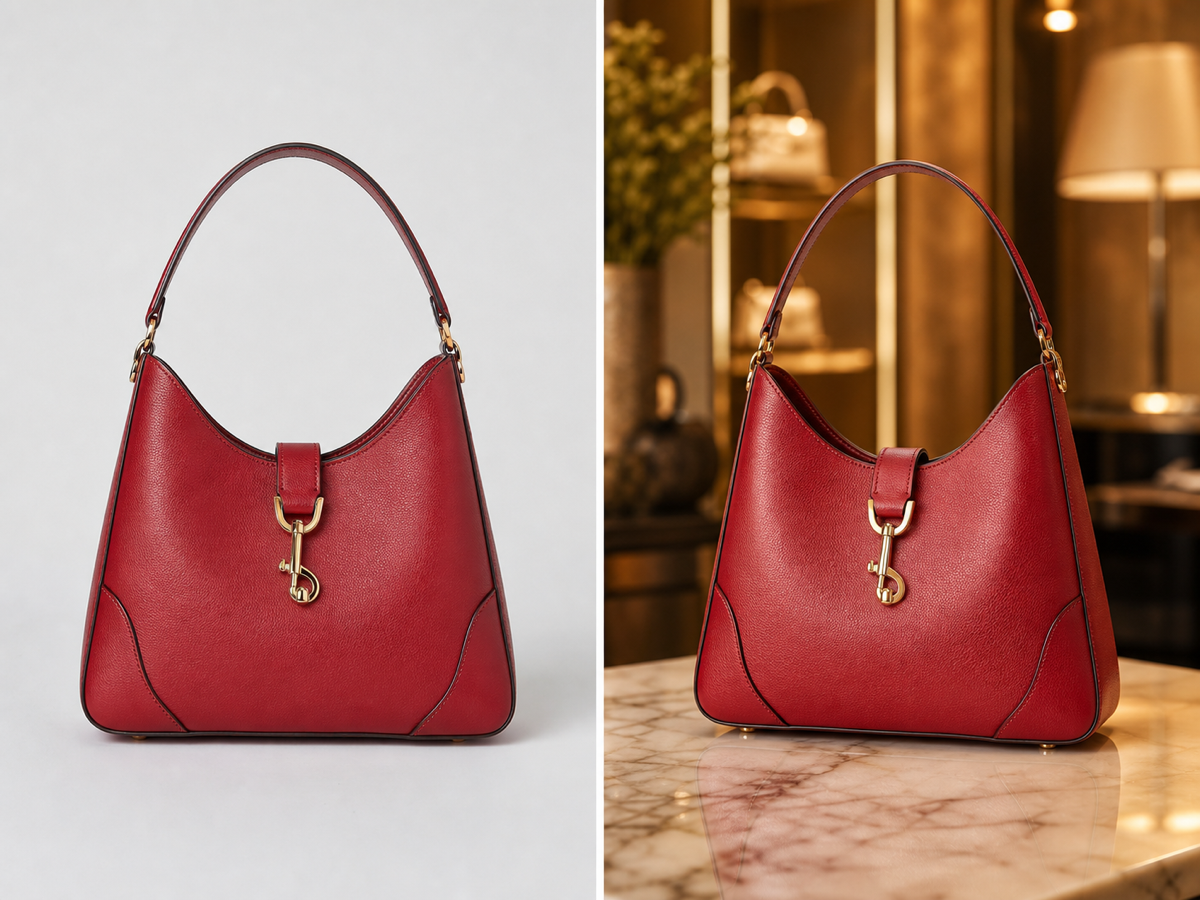
Photo Editing & Restyling
Upload a photo and ask GPT Image 2 to change the background, lighting, or art style while keeping the subject intact.
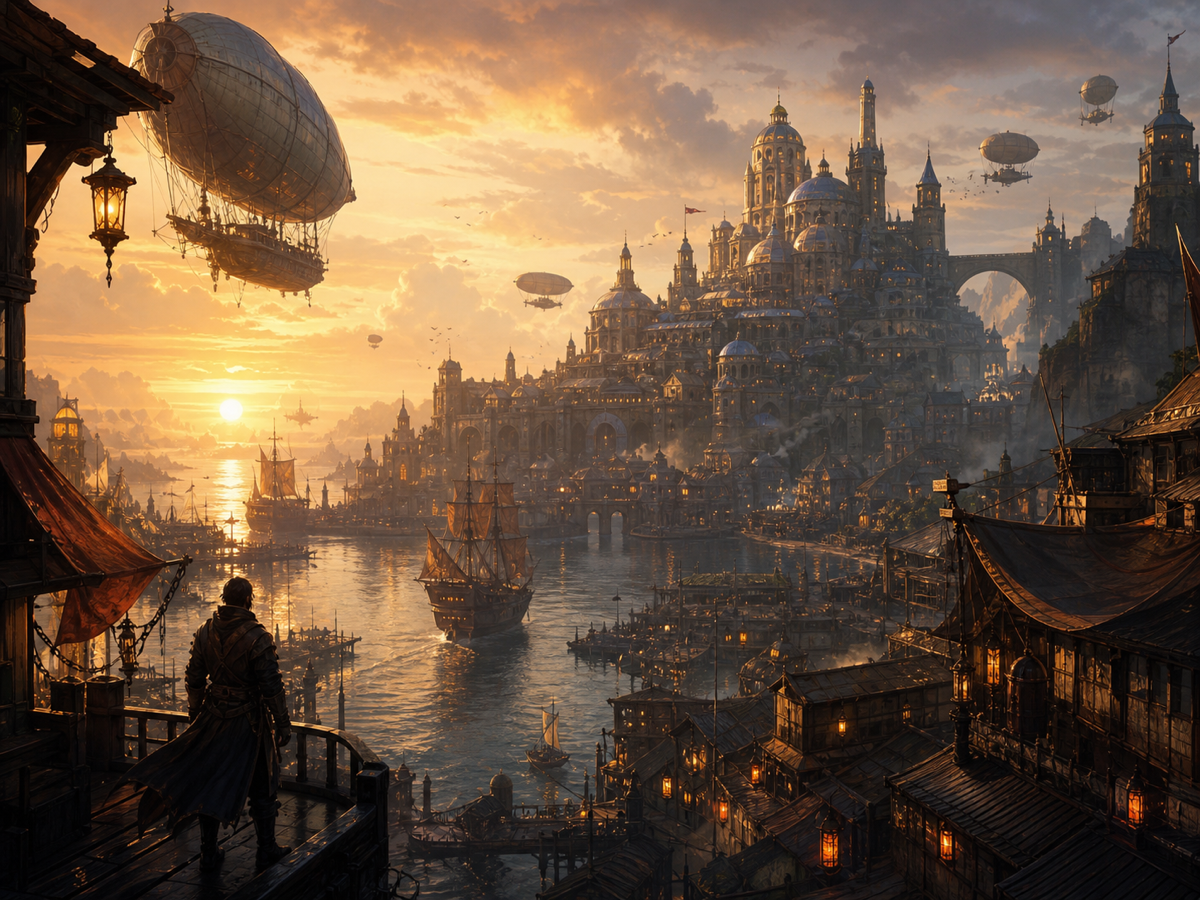
Concept Art & Illustration
Explore moodboards, storyboards, and illustrations to move from a rough idea to a polished visual direction.
What Is GPT Image 2?
GPT Image 2 is an AI image generator and editor that creates high-quality pictures from natural-language prompts. Instead of wrestling with sliders and layers, you describe what you want — a product shot, a poster, an illustration, a portrait — and GPT Image 2 renders it in seconds.
What sets GPT Image 2 apart is reliability. It follows long, detailed prompts closely, keeps text inside images sharp and readable, and holds the same character or product consistent across a series. You can also upload reference photos and ask GPT Image 2 to edit, restyle, or extend them.
Because the workspace lives in the browser, there is nothing to download. Generate from text, refine with edits, and export — the entire GPT Image 2 workflow is available on this page.
Key Features of GPT Image 2
Everything you need to move from idea to finished image, built into one GPT Image 2 workspace.
Prompt-Faithful Generation
GPT Image 2 reads long, specific prompts and honors the details — composition, lighting, color, and mood — so the first result is already close to what you pictured.
Legible In-Image Text
Headlines, labels, and captions render cleanly. GPT Image 2 is tuned to keep typography crisp and correctly spelled, which makes it ideal for posters, ads, and thumbnails.
Reference-Based Editing
Upload one or more images and let GPT Image 2 retouch, restyle, swap backgrounds, or blend them together while preserving the parts you want to keep.
Consistent Characters & Products
Keep the same face, mascot, or product identity across an entire set. GPT Image 2 maintains continuity so your visuals feel like one coherent series.
Flexible Aspect Ratios
Switch between square, portrait, landscape, and widescreen outputs. GPT Image 2 frames each composition for the format you actually publish in.
Fast, Browser-Based Workflow
No installs, no setup. The GPT Image 2 workspace starts directly on this page, so you can iterate quickly and download the version you like.
How to Use GPT Image 2
Create your first image with GPT Image 2 in four simple steps.
Describe your idea
Type a clear prompt — subject, style, mood, and any text you want on the image. The more specific you are, the better GPT Image 2 can match your vision.
Add references (optional)
Switch to edit mode and upload photos when you want GPT Image 2 to restyle, retouch, or build on an existing image instead of starting from scratch.
Pick your format
Choose an aspect ratio that fits where the image will live — a square for social, portrait for stories, or widescreen for banners.
Generate and download
Hit generate and GPT Image 2 renders your image in seconds. Refine the prompt and try again, then download the result you love.
GPT Image 2 vs. Conventional Image Tools
How a prompt-first model compares with the manual and basic approaches teams rely on today.
| Capability | GPT Image 2 | Conventional tools |
|---|---|---|
| Text inside images | Sharp, correctly spelled headlines and labels | Often garbled or need manual typesetting |
| Prompt adherence | Follows long, detailed instructions closely | Frequent re-rolls to match the brief |
| Editing references | Restyle and retouch uploaded images directly | A separate editor and manual masking |
| Character consistency | Keeps identity stable across a series | Tends to drift between generations |
| Setup | Browser-based workspace, nothing to install | Installs, plugins, or steep learning curves |
| Speed to first draft | Seconds from prompt to image | Minutes to hours of manual work |
Why Choose GPT Image 2
A model built around the things that usually slow creative teams down.
Results you can actually ship
Accurate text, faithful prompts, and consistent characters mean fewer re-rolls and less cleanup before GPT Image 2 output is publish-ready.
One place to generate and edit
Text-to-image and reference editing live in the same GPT Image 2 workspace, so you never break flow switching between tools.
Fast iteration
Generations land in seconds, making it easy to explore variations and converge on the right image quickly.
Made for every format
Flexible aspect ratios and clean compositions let GPT Image 2 serve social, web, print, and ad placements alike.
GPT Image 2 FAQ
Answers to the most common questions about GPT Image 2.
Start Creating with GPT Image 2
Turn your next idea into a finished image. Describe it, generate it, and download it — all on this page.