Topaz Image: Upscale and Enhance Photos up to 8x
Topaz Image is an AI upscaler that enlarges photos up to 8x while sharpening detail, recovering faces, and clearing noise and compression artifacts. Upload an image, choose a factor, and upscale right here — no prompt, nothing to install.
Ready to start creating?
Select a mode on the left, upload images or enter descriptions, and let AI create amazing visuals for you
Upload a photo and upscale above — the Topaz Image workspace is right here. Sign in when you are ready to save full-resolution results.
What You Can Do with Topaz Image
From old photos to product shots, Topaz Image fits into real production work.
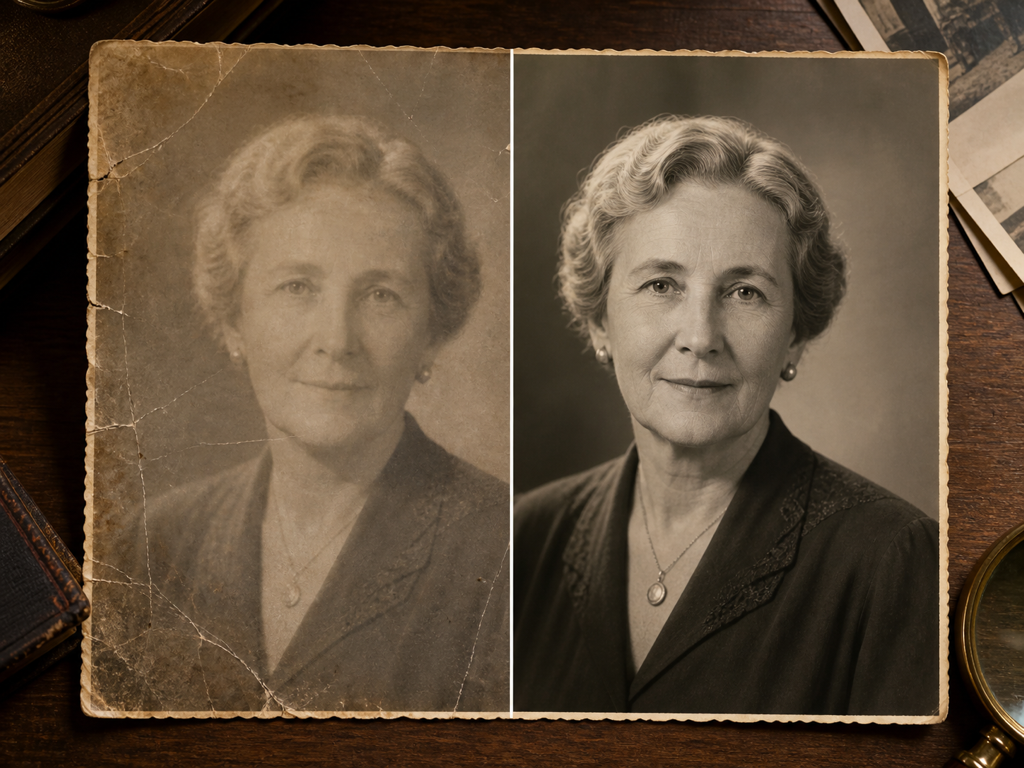
Restore Old Photos
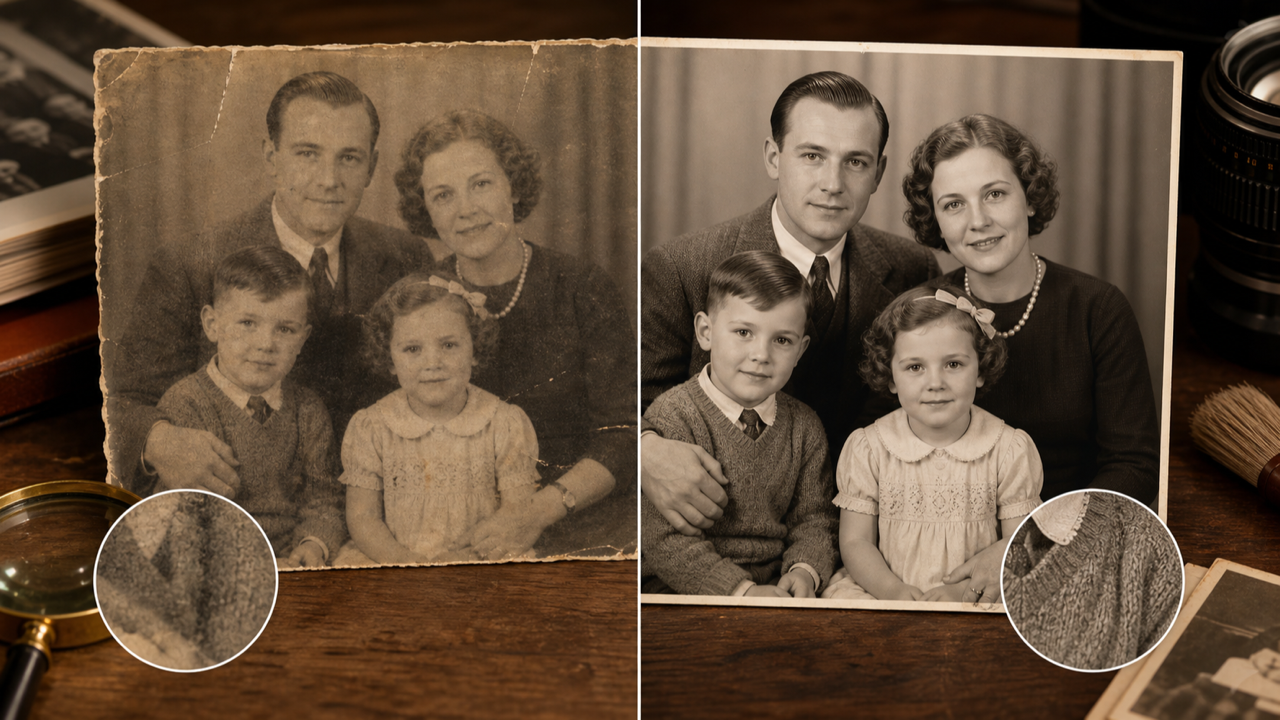
Bring soft, low-resolution scans back to life — Topaz Image rebuilds detail and recovers faces in family pictures.
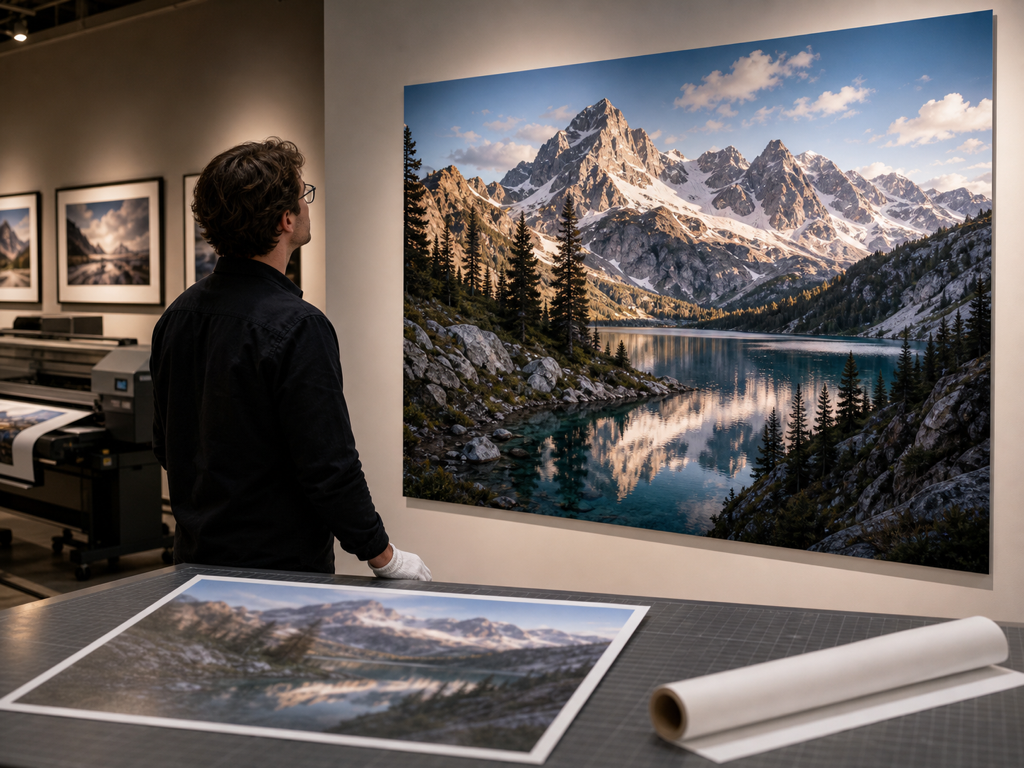
Print-Ready Enlargements
Scale images up for posters and large prints while keeping edges and textures crisp at size.
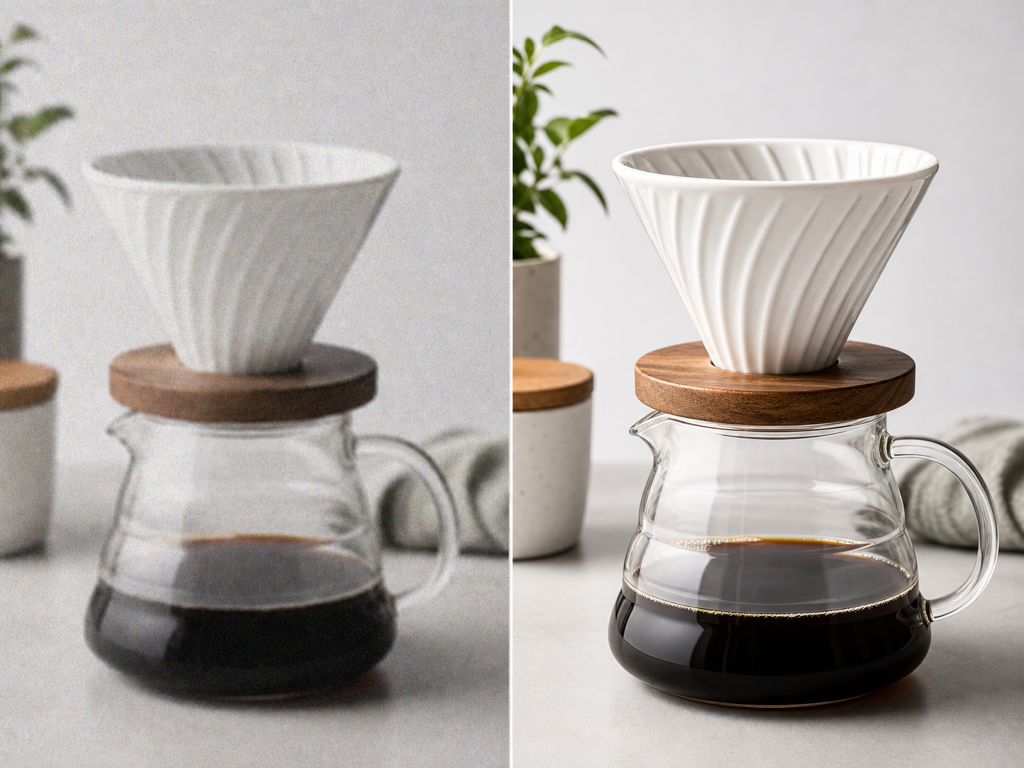
E-commerce Product Shots
Upscale catalog and marketplace images so products look sharp and detailed on every screen.
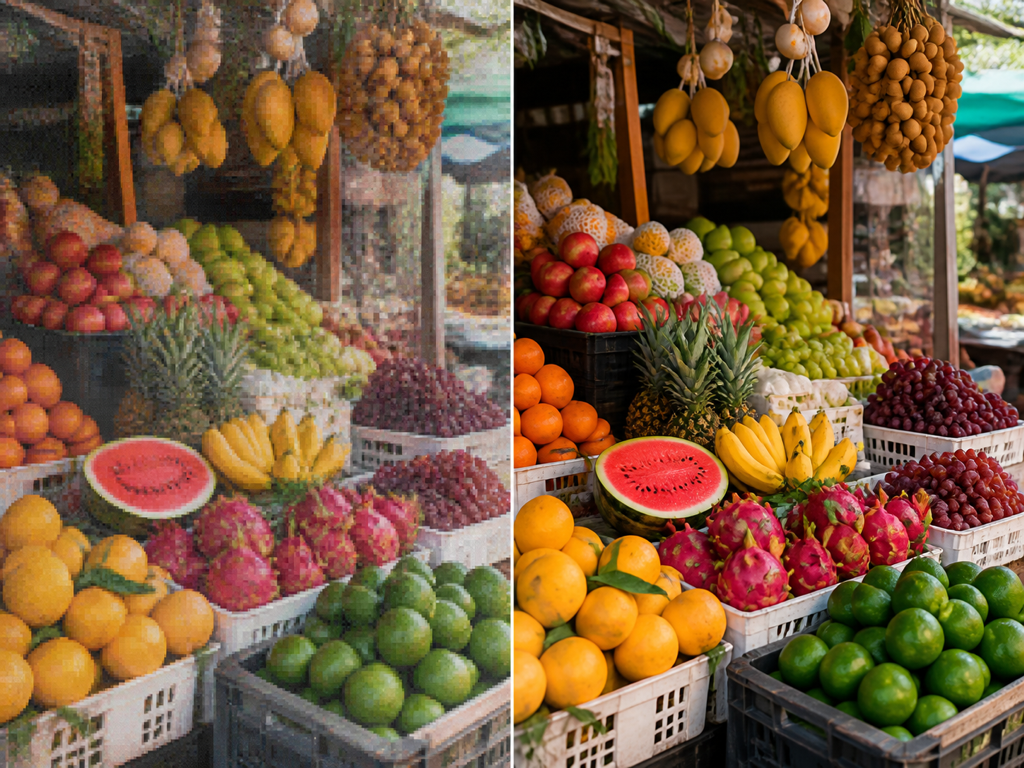
Cleaner Web Images
Remove compression artifacts and noise from images saved at low quality, restoring clarity for the web.
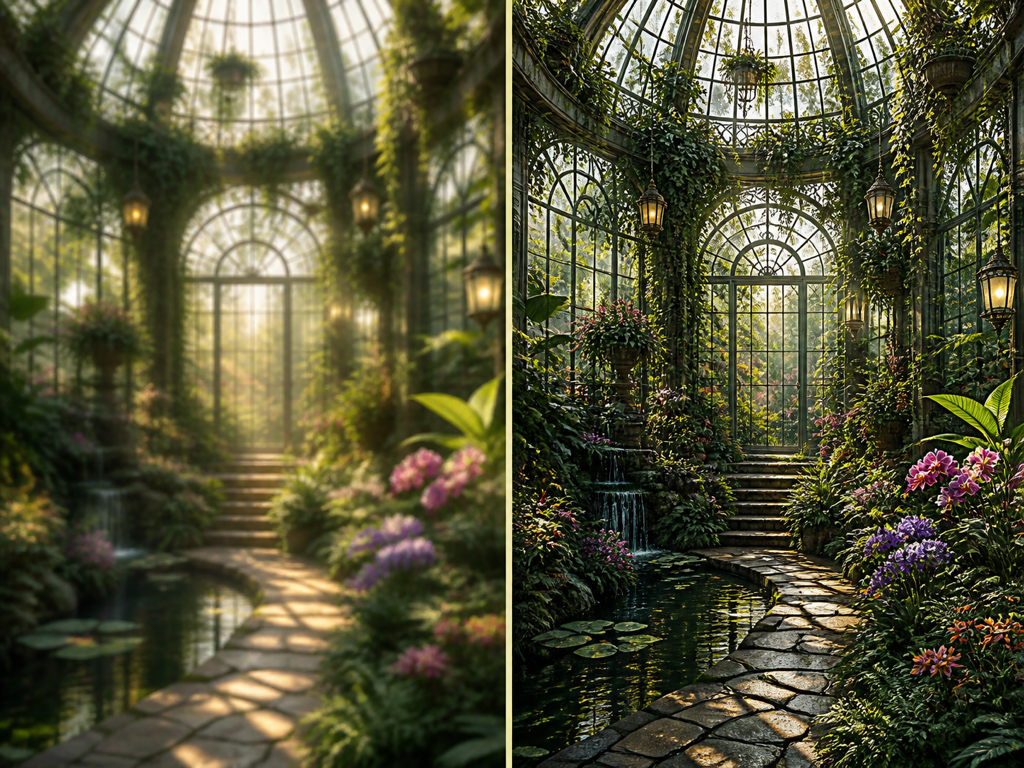
Upscale AI-Generated Art
Take a generated image to a higher resolution, firming up detail for wallpapers, prints, and hero banners.
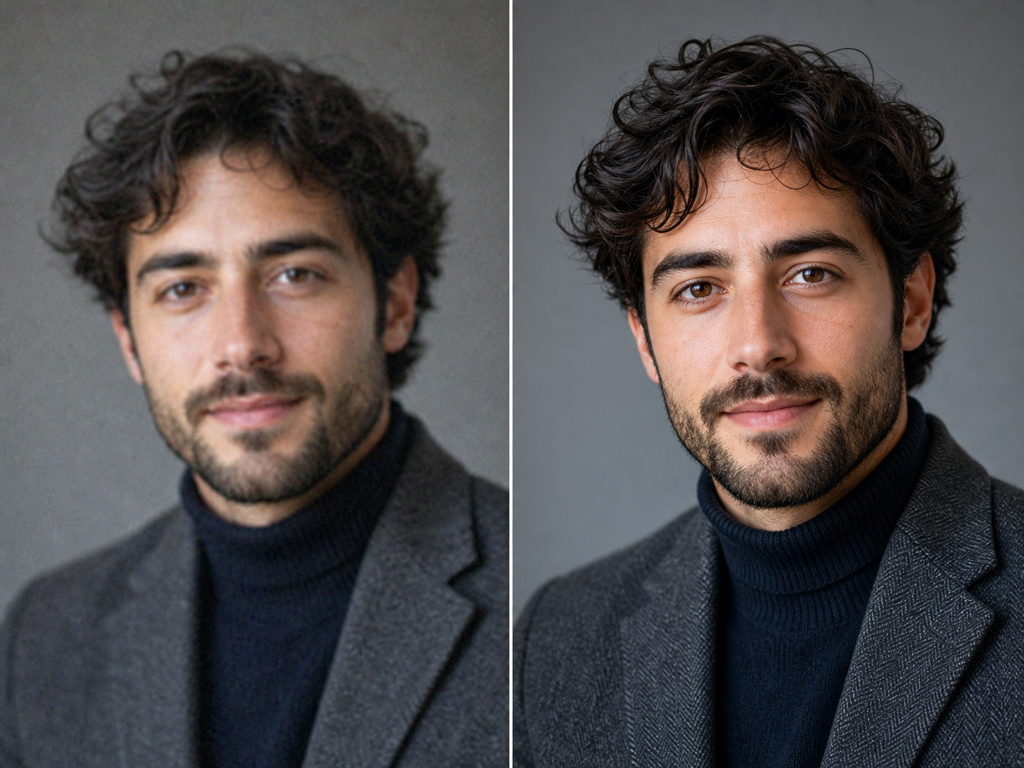
Sharper Portraits
Recover facial detail in headshots and group photos so faces stay lifelike when scaled up.
What Is Topaz Image?
Topaz Image is an AI photo upscaler that increases resolution while preserving — and often recovering — fine detail. Upload a small, soft, or low-resolution picture and Topaz Image enlarges it up to 8x, rebuilding edges and textures that a plain resize would smear.
Unlike a text-to-image model, Topaz Image needs no prompt. It reads the pixels you give it, then applies targeted enhancement: face recovery keeps portraits lifelike, detail sharpening firms up textures, and noise reduction clears grain, compression artifacts, and haze.
Because the Topaz Image workspace lives in the browser, there is nothing to download. Upload a source image, pick an upscale factor, and export a crisp, print-ready result — the whole workflow happens on this page.
Key Features of Topaz Image
Everything you need to enlarge and clean up photos, built into one Topaz Image workspace.
Up to 8x Upscaling
Topaz Image enlarges photos by 2x, 4x, or 8x, rebuilding edges and textures so the result stays sharp at full size instead of soft or blocky.
Face Recovery
Topaz Image detects facial features and applies targeted enhancement, keeping eyes, skin, and hair lifelike when portraits are scaled up.
Noise & Artifact Cleanup
Grain, compression blocks, and haze are cleared while real detail is preserved, so enlarged images look clean rather than smeared.
Detail Sharpening
Topaz Image firms up textures and fine structure — fabric, foliage, product surfaces — for production-ready clarity at higher resolution.
No Prompt Needed
No prompt to write. Upload a source image, pick an upscale factor, and Topaz Image does the rest — the fastest path from soft to sharp.
Fast, Browser-Based Workflow
No installs, no setup. The Topaz Image workspace opens on this page, so you can upscale quickly and download the version you need.
How to Use Topaz Image
Upscale your first photo with Topaz Image in four simple steps.
Upload your photo
Drag in the image you want to enlarge. Topaz Image works from your source pixels, so there is no prompt to write — just one picture to upscale.
Choose an upscale factor
Pick 2x, 4x, or 8x depending on how much larger you need the result. Higher factors rebuild more resolution from the same source.
Upscale and review
Run the upscale and Topaz Image sharpens detail, recovers faces, and clears noise in seconds. Compare it against the source to confirm the gain.
Download the result
Export the enlarged image at full resolution, ready for print, large displays, or any place a sharper picture matters.
Topaz Image vs. Basic Resizing
How an AI upscaler compares with the plain resize tools built into most software.
| Capability | Topaz Image | Basic resize |
|---|---|---|
| Detail at higher size | Rebuilds edges and textures | Soft, blurry enlargements |
| Faces | Targeted face recovery | Smeared, waxy features |
| Noise & artifacts | Cleared while keeping detail | Amplified along with the image |
| Maximum scale | Up to 8x with clarity | Quality falls off quickly |
| Prompt required | None — upload and upscale | Not applicable, but manual tuning |
| Setup | Browser-based, nothing to install | Desktop apps or plugins |
Why Choose Topaz Image
An upscaler built around the things that usually ruin enlarged photos.
Sharpness that holds at size
Topaz Image rebuilds real detail, so enlargements stay crisp instead of turning soft the way a plain resize does.
Faces that stay lifelike
Face recovery keeps eyes, skin, and hair natural, which is exactly where most upscalers fall apart.
No prompt to write
Topaz Image works straight from your image — upload, choose a factor, and upscale, with nothing to describe.
Ready in the browser
The Topaz Image workspace opens on this page, so you can enlarge and clean up photos without installing anything.
Topaz Image FAQ
Answers to the most common questions about Topaz Image.
Start Upscaling with Topaz Image
Turn a soft, small picture into a sharp, high-resolution image. Upload it, upscale it, and download it — all on this page.