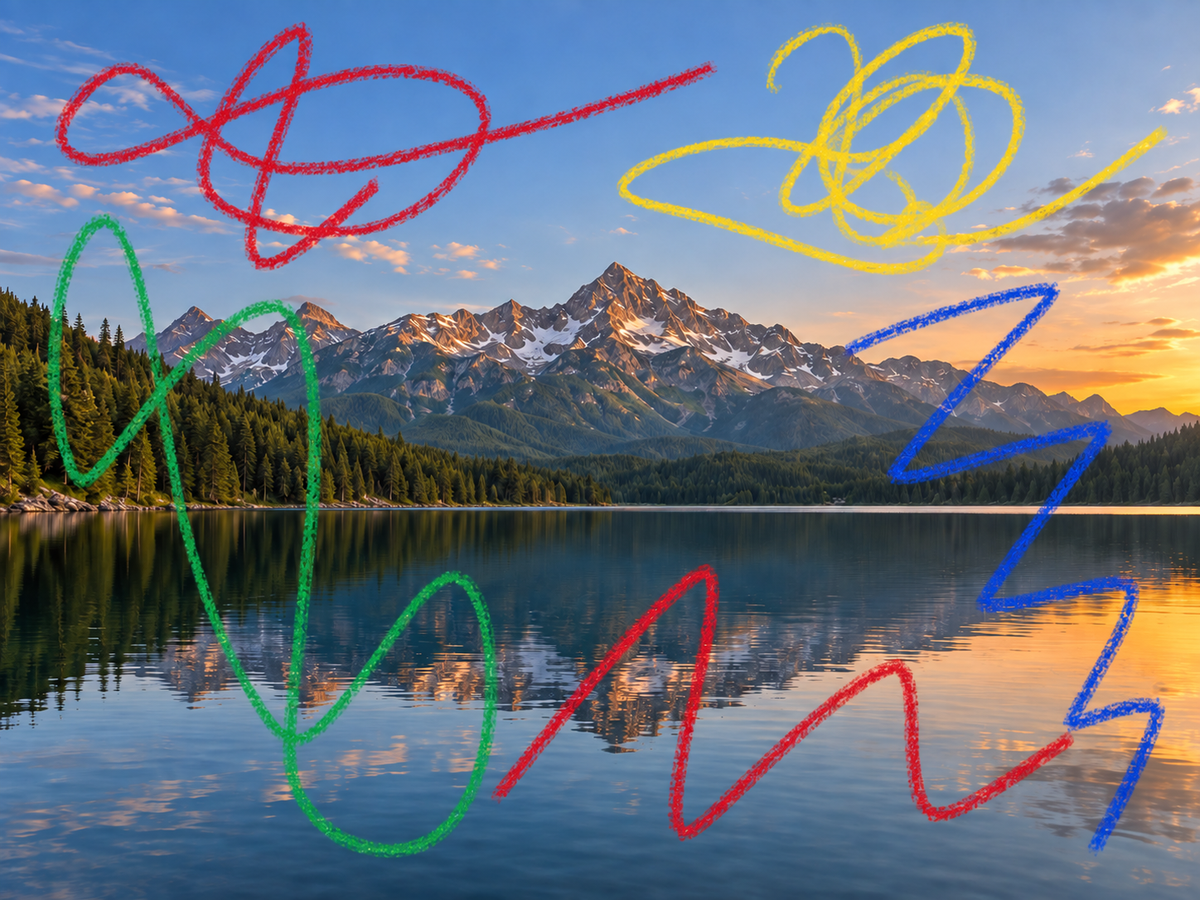
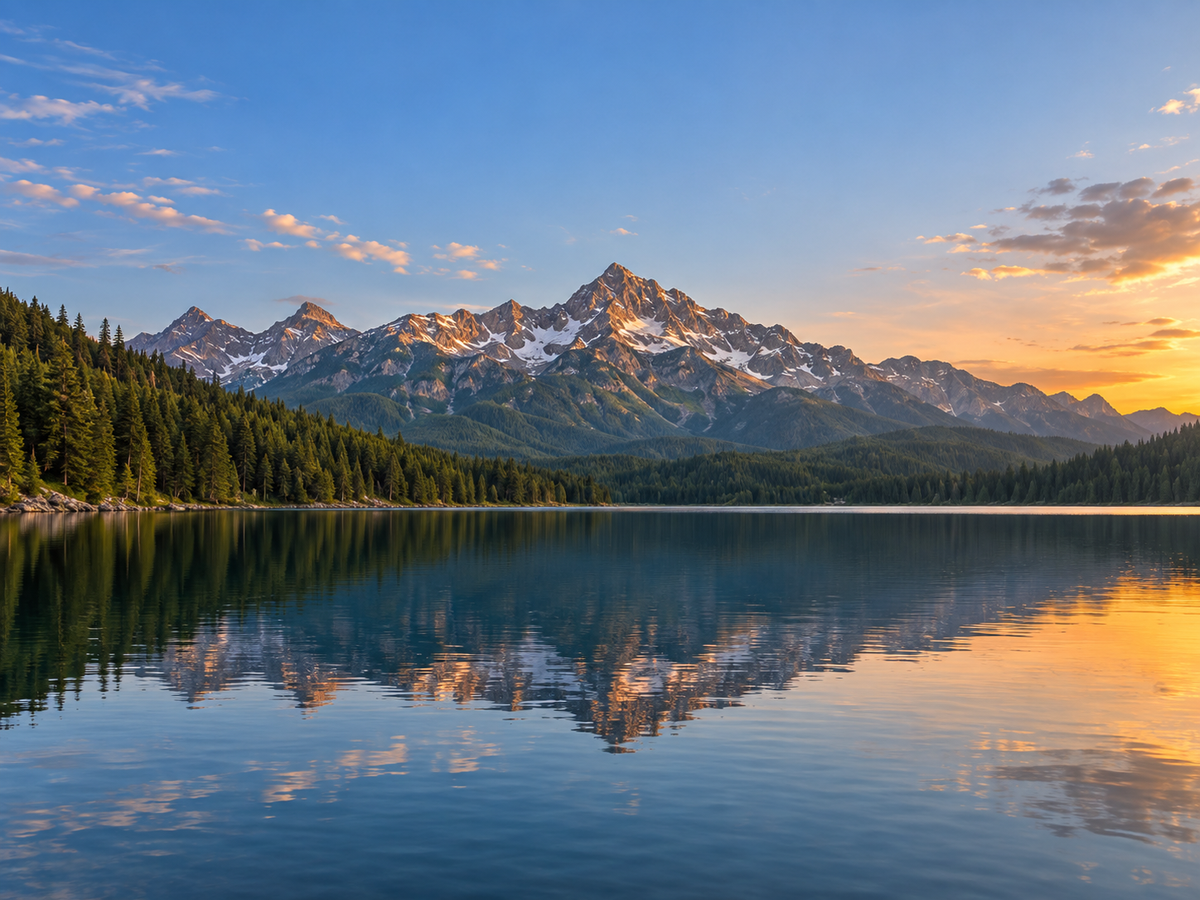
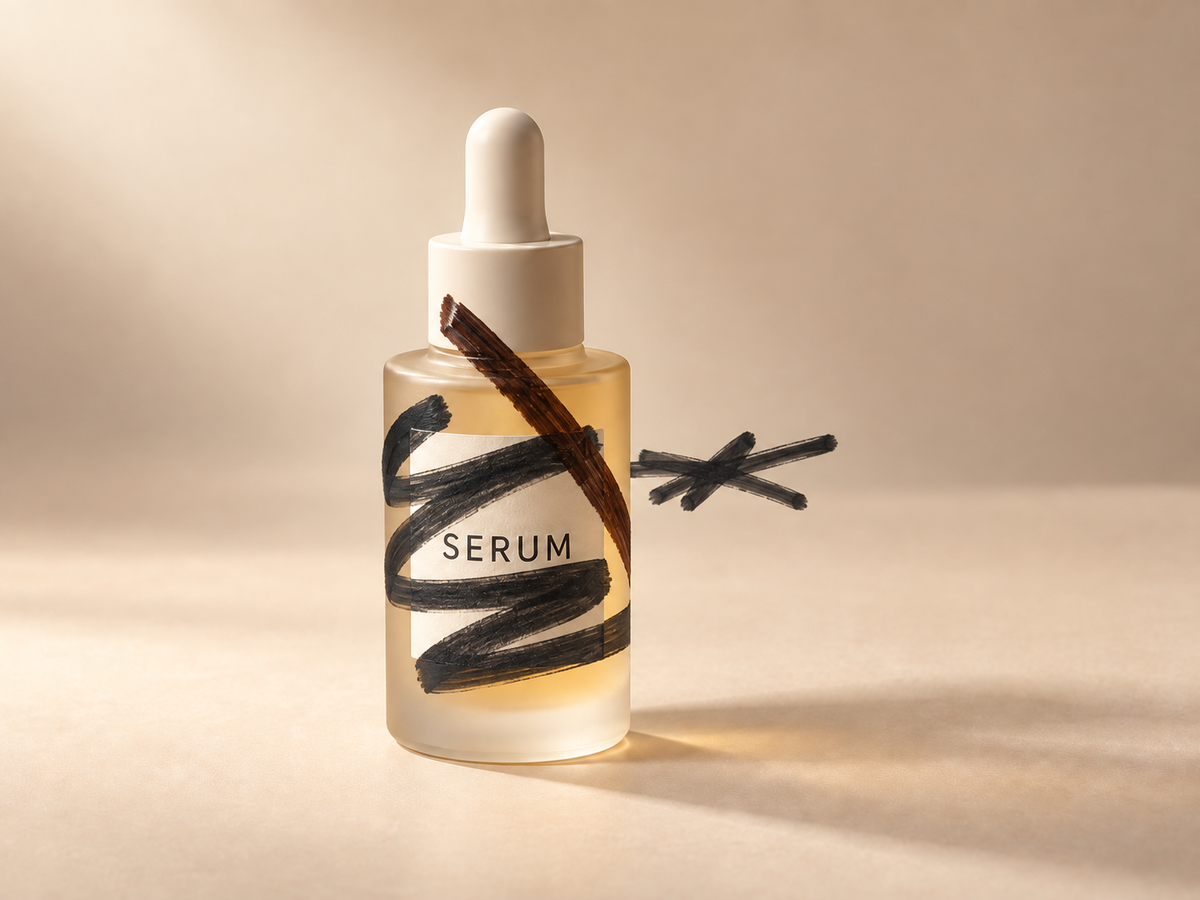
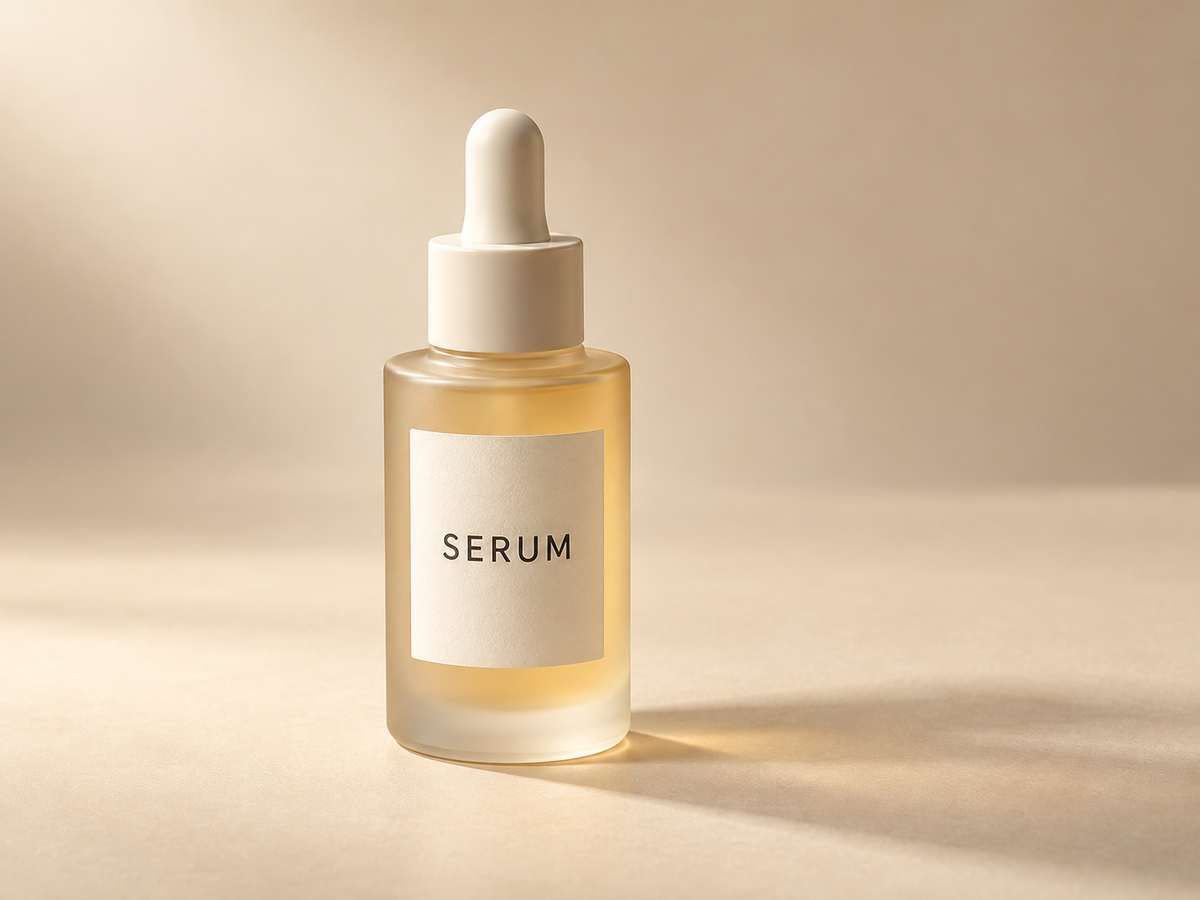
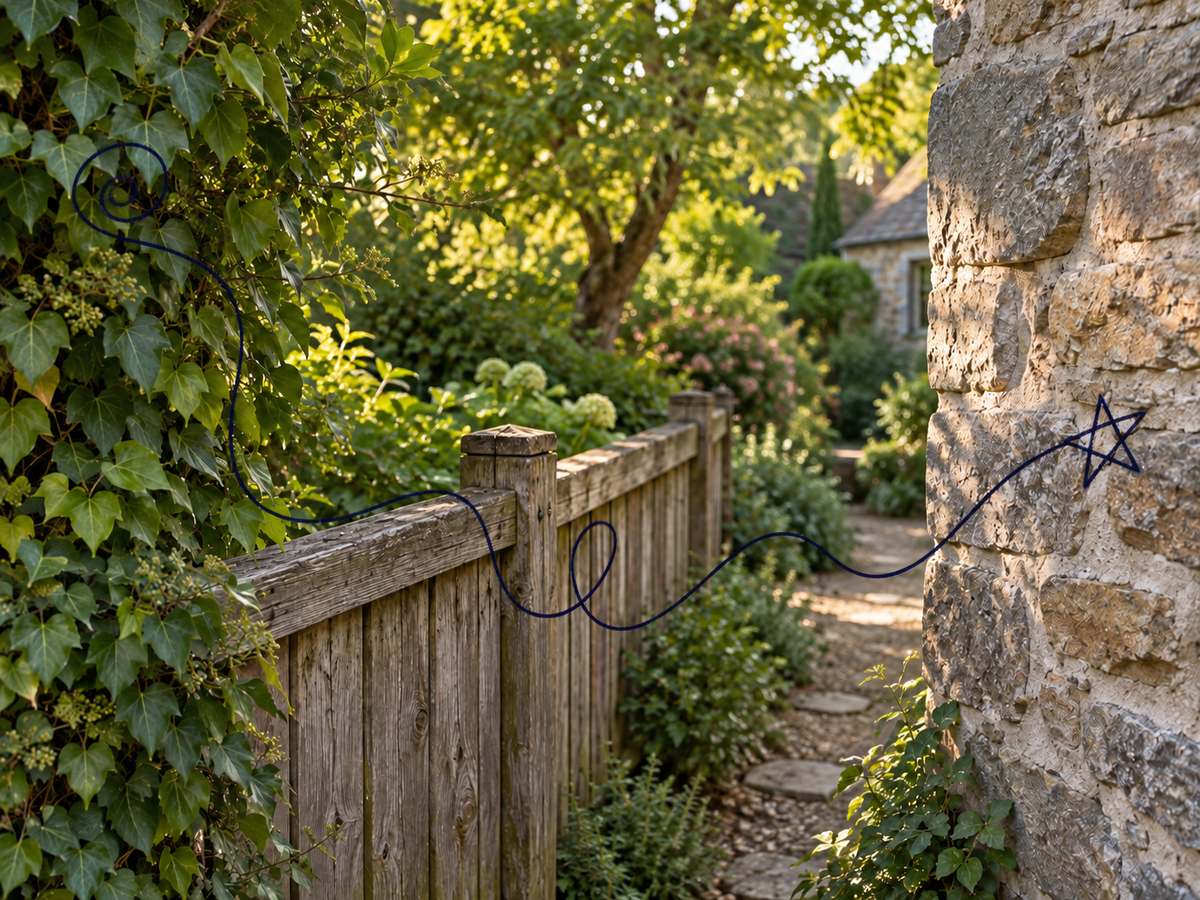
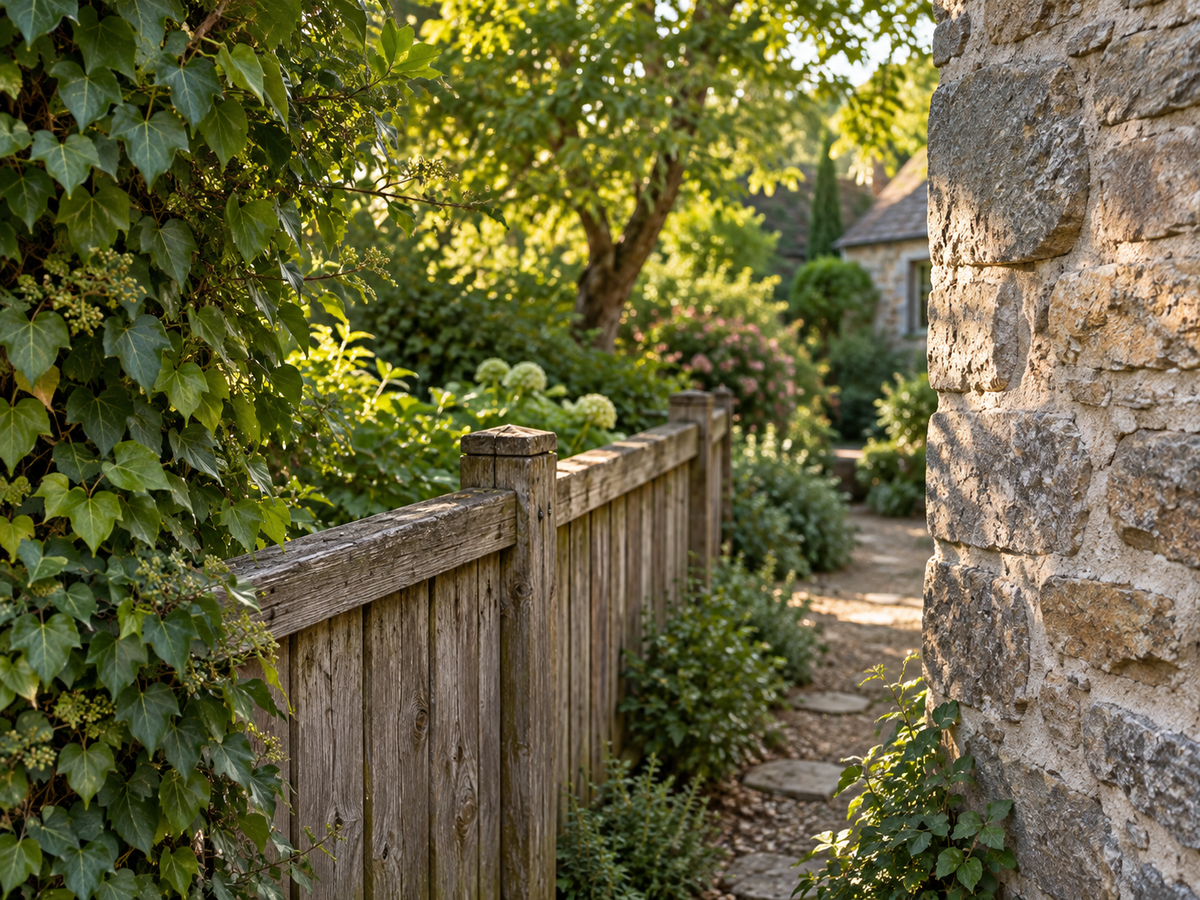
Removing scribbles from a photo means painting a mask over the hand-drawn marks you want gone, then rebuilding the pixels underneath so the surface looks continuous. It is an inpainting job: the tool only edits the masked region and leaves the rest of the picture alone.
People usually mean one of two things by this phrase. The first is undoing marks while they are still editable—deleting a layer or a brush stroke inside a drawing app. The second is cleaning marks that are already flattened into pixels, such as a pen line exported into a JPEG, a marker scrawl over a packshot, or a doodle saved by a camera. This page handles the second job and links to editing tools for the first.
Because a flattened photo no longer stores the pixels hidden under the ink, no tool can recover the exact original surface. The realistic goal is a plausible reconstruction: match the surrounding colour, texture, lighting, and perspective so the repaired area stops drawing attention. Mask-guided inpainting makes that goal controllable, because you decide precisely which pixels are allowed to change.
The workbench therefore centers on drawing rather than on typing. A freehand brush follows a curving doodle, a straight marker stroke, or a thin pen line, while a rectangle is fast for a block of scribble over a flat area. Multi-region selection and undo mean one task can clean a doodle on a wall, a marker line on a product, and a stray pen stroke in the corner without starting over.